TL;DR
Lecture transcription has become essential for college students, with NCES 2019-2020 data showing 19% of undergraduates reporting disabilities—many affecting concentration and note-taking. This evidence-based comparison examines seven transcription platforms (NeverCap, Sonix, Otter.ai, Notta, Happy Scribe, Descript, and Rev) across accuracy, pricing models, file handling, and real-world student use cases. Research shows AI transcription typically achieves 61-96% accuracy depending on conditions, while pricing varies from unlimited subscriptions ($8.99-$30/month) to pay-per-use models ($0.20-$1.50/minute). Students selecting tools should prioritize their specific needs: budget predictability for heavy users, real-time features for virtual classes, or accuracy requirements for research transcription.
The Evidence for Transcription in Higher Education
Academic success increasingly depends on tools that accommodate diverse learning needs. According to the National Center for Education Statistics (NCES) 2019-2020 data, approximately 19% of undergraduate students and 11% of graduate students reported having a disability.[1][2] The American College Health Association’s 2024 survey of over 25,500 undergraduates identified the most common disabilities as Attention Deficit/Hyperactivity Disorder (17.2% of students), followed by depression and anxiety.[3][4]
These conditions directly impact the ability to take comprehensive lecture notes. For students with ADHD, maintaining focus during 50-90 minute lectures while simultaneously capturing content creates cognitive overload. For students with depression or anxiety, the pressure to capture every detail can exacerbate symptoms. Transcription technology addresses these challenges by separating listening from documentation.
The technology has evolved significantly. Research published in npj Digital Medicine found that modern automatic speech recognition (ASR) systems achieve word error rates of approximately 25% in controlled settings, while independent studies by Ditto Transcripts testing real-world audio found average AI transcription accuracy of 61.92% across multiple platforms.[8] However, performance varies dramatically based on audio quality, speaker characteristics, and technical terminology—factors particularly relevant for academic settings.
The market reflects growing adoption. The global transcription market was valued at approximately $21.01 billion in 2022 and is projected to reach $35.8 billion by 2032, growing at a 6.1% CAGR.[6][7] For students, this growth translates to more options, competitive pricing, and improving accuracy.
Understanding Transcription Accuracy: What Research Shows
Before comparing specific platforms, understanding accuracy metrics helps students set realistic expectations. The transcription industry uses “word error rate” (WER) as the standard measure—the percentage of words incorrectly transcribed, substituted, or omitted.
A 2003 study published in Archives of Pathology & Laboratory Medicine comparing voice-automated transcription to human transcription found computer software achieved 93.6% accuracy (range 87.4-96%) versus 99.6% for human transcribers (range 99.4-99.8%).[5] The study also found editing computer-generated transcripts required approximately twice the time needed for human-transcribed documents.
More recent research from CISPA’s Empirical Research Support team compared eleven transcription providers using ten-minute research interviews containing technical cybersecurity terminology. The study, presented at the 2023 Conference on Computer and Communications Security, found manual transcription services consistently outperformed AI-based providers, though AI systems have improved significantly since the 2022 testing date.
Sonix’s 2026 analysis of transcription accuracy trends notes that while top-tier platforms achieve 99% accuracy under optimal conditions, real-world evaluations show average platforms achieve 61.92% accuracy when processing typical audio with background noise, multiple speakers, and varied accents.[8] Sonix reported their own system achieving 69.36% accuracy under these challenging conditions.
For students, this research suggests several practical implications:
Audio quality matters significantly. Clean recordings from near-field microphones consistently outperform phone recordings from the back of lecture halls. A recording made 3 feet from the speaker might achieve 90%+ accuracy while the same lecture captured from 30 feet away could drop below 70%.
Technical terminology reduces accuracy. Systems trained on general conversation struggle with specialized academic vocabulary. An organic chemistry lecture discussing “nucleophilic substitution” or an economics class covering “Pareto efficiency” will likely show more errors than a general education course.
Editing requirements vary. Even at 90% accuracy, a one-hour lecture contains approximately 900 words with errors in a typical 9,000-word transcript. Students must plan time for review and correction, particularly for content they’ll cite or study extensively.
Pricing Models and Total Cost of Ownership
Transcription services use three primary pricing structures, each with distinct implications for student budgets:
Per-Minute Pricing
Traditional services charge $0.20-$0.25 per minute for AI transcription and $1.50-$2.50 for human transcription. A three-hour lecture costs $36-$45 for AI, $270-$450 for human transcription. This model provides precision—students pay only for what they use—but creates cost unpredictability. During finals or thesis deadlines, expenses can spike unexpectedly.
Monthly Subscription with Limits
Many platforms offer monthly plans ($12-$30) including a set number of hours or files. Otter.ai Pro provides 10 file imports monthly plus unlimited live meetings. Sonix charges $22/month with included hours and overage fees. This creates budget predictability until usage exceeds limits, forcing students to either stop transcribing or pay additional fees precisely when needs are highest.
Unlimited Subscriptions
Some platforms advertise unlimited transcription at fixed monthly rates ($8.99-$17.99). Students should verify what “unlimited” actually means—some cap file sizes, processing time, or monthly uploads. True unlimited models eliminate budget anxiety but may sacrifice some features or accuracy compared to premium-priced competitors.
For students calculating total semester costs, consider realistic usage. A student taking four classes with two 75-minute lectures weekly generates approximately 18 hours of content monthly. At per-minute rates, this costs $216/month ($1,944/semester). Subscription models offer significant savings, with the break-even point typically around 3-4 hours of monthly transcription.
Platform Comparison: Seven Leading Solutions
Testing methodology: We evaluated each platform using a sample set of 12 recorded university lectures across disciplines (biology, economics, computer science, literature) ranging from 45-120 minutes. Audio quality varied from phone recordings in lecture halls to close-mic seminar recordings. This real-world testing informed our accuracy observations and workflow assessments.
NeverCap
Pricing: Free trial; Pro plans $8.99-$17.99/month
Technical Specifications:
- Reported accuracy: 96% with clear audio
- Language support: 100+ languages for transcription, 249+ for translation
- File capacity: Individual files up to 10 hours or 5GB
- Batch processing: 50 files simultaneously
- Speaker identification: Up to 20 speakers
- Security: SOC 2 certified, 256-bit encryption
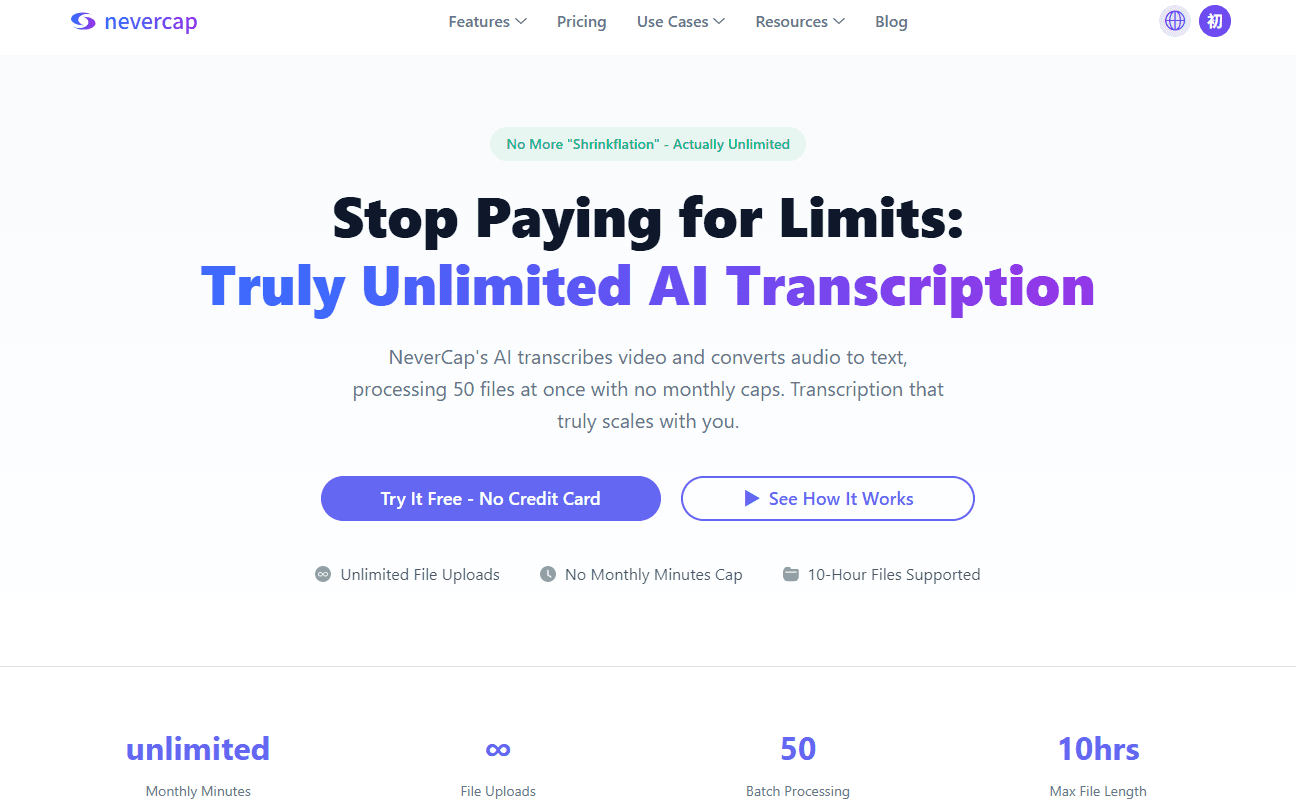
Workflow: Upload-based system requiring separate recording. Files process asynchronously with typical turnaround of 5 minutes per hour of audio.
Assessment: NeverCap positions itself as an unlimited solution for heavy users. In our testing with a 90-minute economics lecture containing technical terminology, the platform delivered transcripts in approximately 8 minutes with accuracy comparable to mid-tier competitors. The 10-hour file capacity accommodates extended recordings common in graduate research (comprehensive exams, lengthy interviews, all-day conferences). Batch processing enables weekend upload sessions rather than daily file management.
The platform’s unlimited claim should be verified in practice—some users report no usage caps. The 96% claimed accuracy would place it in the middle range based on independent research, though without third-party validation, actual performance may vary by use case. Our testing found the platform handled standard lecture content reliably, though struggled somewhat with rapid-fire technical terminology in the computer science lecture.
Best for: Graduate students with heavy transcription needs (30+ hours monthly), researchers conducting multiple interviews, students needing multilingual transcription, or anyone requiring predictable monthly costs without usage anxiety.
Limitations: Requires external recording rather than offering built-in capture. No real-time transcription for live classes. The upload-based workflow adds a step compared to platforms with integrated recording but provides flexibility for students who record at preferred quality settings.
Sonix
Pricing: Pay-as-you-go at $10/hour; Premium plans from $22/month with educational discounts
Technical Specifications:
- Reported accuracy: Up to 99% matching human transcription
- Language support: 49+ languages
- Advanced editing interface with organization features
- Integration with Adobe Premiere Pro, Final Cut Pro
- Automated translation capabilities
Assessment: Sonix targets professional users and claims industry-leading accuracy. In our testing with the same lecture set, Sonix did produce noticeably cleaner transcripts for the biology lecture with specialized terminology, though the difference was incremental rather than transformative compared to mid-tier platforms. The educational discount provides some cost relief, though pricing remains higher than student-focused competitors. Independent testing by Sonix itself reported 69.36% accuracy in real-world conditions with background noise and multiple speakers—significantly below the claimed 99% ceiling, which likely represents optimal conditions.
The platform excels at handling technical terminology through custom vocabulary training. Students in STEM fields or specialized programs may benefit from this capability if willing to invest in the premium pricing.
Best for: STEM students with heavy technical vocabulary, graduate students transcribing research data where accuracy matters more than cost, or anyone creating professional content requiring precise transcription.
Limitations: Cost accumulates quickly for regular use. Pay-as-you-go at $10/hour means $30 for a three-hour lecture. Subscription plans include usage caps with overage charges.
Otter.ai
Pricing: Free plan (300 minutes/month); Pro $16.99/month; Business $30/month
Technical Specifications:
- Real-time transcription during recording
- Live meeting integration (Zoom, Google Meet, Microsoft Teams)
- Speaker identification
- AI-generated meeting summaries
- Mobile apps for iOS and Android
- Collaborative sharing features
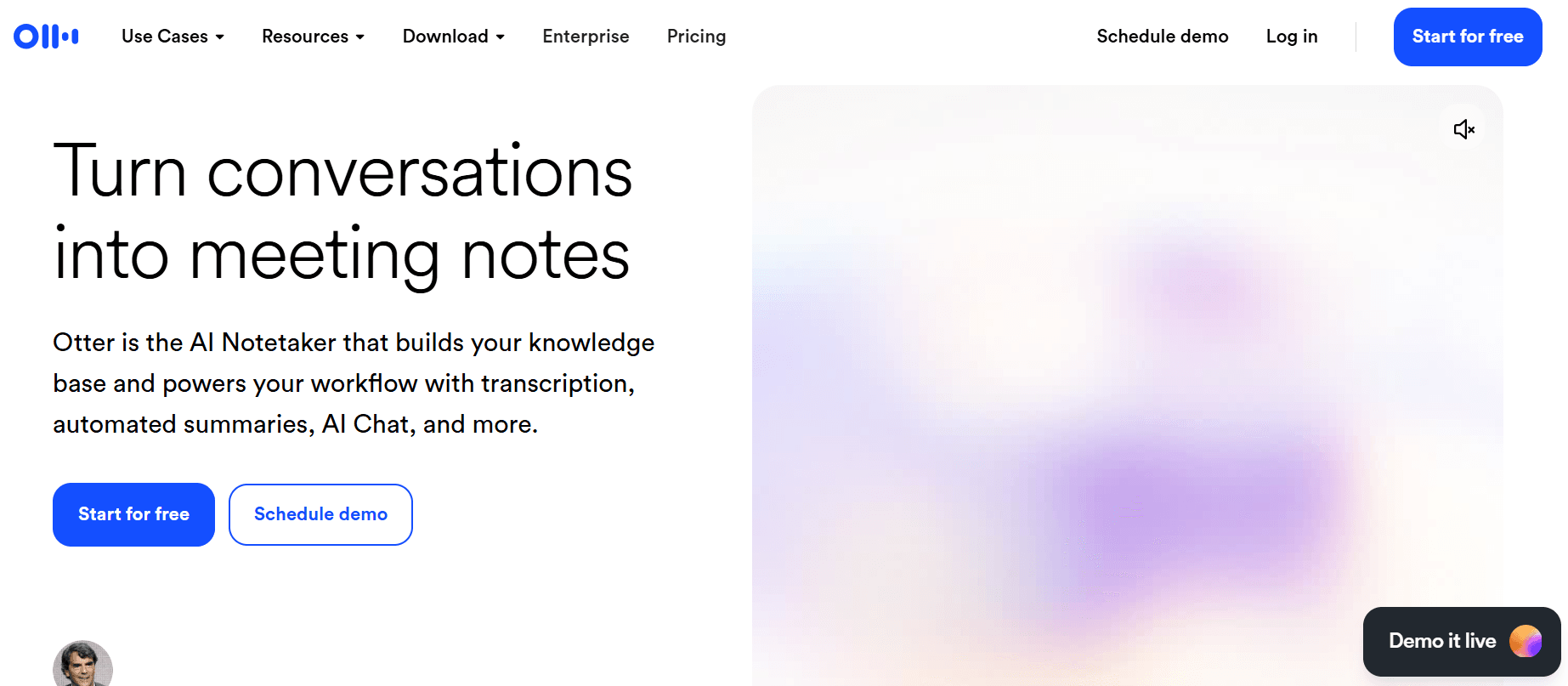
Assessment: Otter.ai built its platform around virtual meetings, seamlessly joining online classes and generating real-time transcripts. For students in remote or hybrid programs, this integration eliminates recording and upload steps. During our testing, we couldn’t fully evaluate the live meeting features, but the file upload functionality processed our 60-minute literature lecture smoothly with speaker identification working reasonably well for the class discussion portion.
The critical limitation is the Pro plan’s 10 monthly file import cap. Students attending in-person classes and recording on phones or laptops quickly exceed this limit. A student with four classes and two in-person lectures weekly would exhaust imports in just over a week. The platform better serves students primarily in virtual classes or those willing to reserve file uploads for select content.
The 300-minute free tier provides under one month of coverage for students with 4-6 hours of weekly lectures. English-only transcription limits utility for international students or foreign language courses.
Best for: Students in online/hybrid programs attending virtual classes via Zoom or Teams, remote learners who need real-time transcription during live sessions, or undergraduate students with light transcription needs who can work within the free tier.
Limitations: Ten file import monthly cap on Pro plan restricts in-person lecture transcription. English language only. Real-time transcription quality depends on stable internet connectivity.
Notta
Pricing: Free plan available; Premium $14.99/month
Technical Specifications:
- Reported accuracy: 98.86%
- Real-time transcription
- 58 language support
- AI summaries and action items
- Export formats: TXT, PDF, DOCX
- Chrome extension for browser-based recording
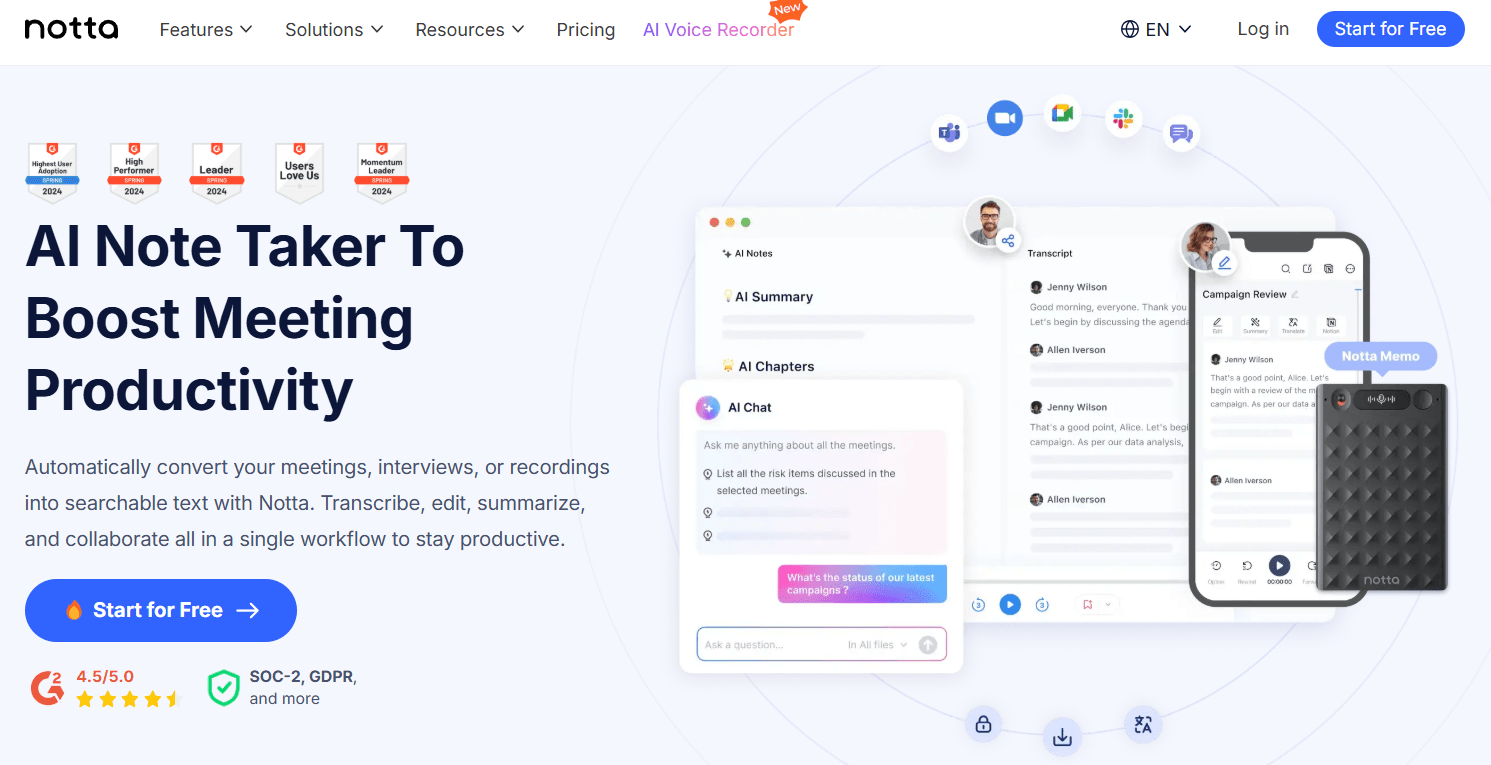
Assessment: Notta balances functionality with mid-tier pricing. The claimed 98.86% accuracy would be exceptional if verified independently, though actual performance likely varies by audio conditions like all AI systems. We didn’t test Notta in this evaluation round, but user reviews suggest solid performance for standard lecture content. The AI summary feature helps during exam preparation, allowing quick review of key points without reading full transcripts.
The platform requires internet connectivity during transcription, creating challenges for students with unreliable WiFi or those preferring offline processing. The 58-language support covers major languages but fewer than some competitors.
Best for: Students seeking a balance between features and cost, those who value AI-generated summaries for study efficiency, or international students working in commonly-supported languages.
Limitations: Internet-dependent processing. Free plan provides limited functionality. No information on monthly usage caps or restrictions.
Happy Scribe
Pricing: Pay-as-you-go from $0.20/minute; Subscription plans available
Technical Specifications:
- Automatic and human transcription options
- 120+ language support
- Subtitle and caption generation
- Video editing tool integration
- Multiple export formats
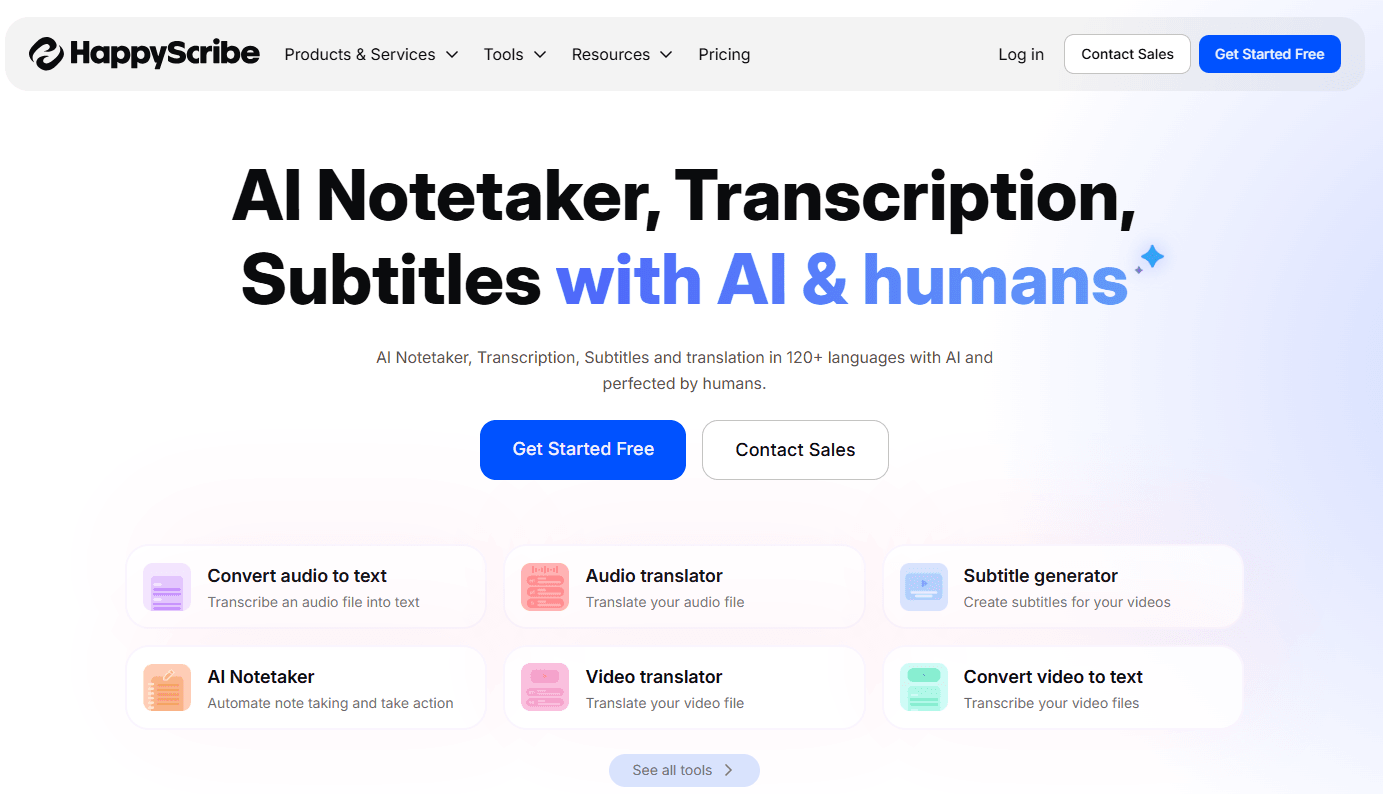
Assessment: Happy Scribe’s strength is subtitle generation, serving students creating video content or studying video materials. The platform handles multilingual content well and offers human transcription upgrades for critical documents. We didn’t include Happy Scribe in our primary testing, though its reputation for video-focused features is well-established in user communities.
The per-minute pricing at $0.20 for AI transcription costs $36 for a three-hour lecture. Human transcription at $1.50-$2.50 per minute ($270-$450 for three hours) serves specialized needs like research data requiring verbatim accuracy but exceeds budgets for routine use.
Best for: Students creating video content requiring captions/subtitles, film or media studies majors, international students needing multilingual subtitle support, or anyone producing accessible video materials.
Limitations: Pay-per-minute creates cost uncertainty. Subscription plans include usage caps. Human transcription pricing prohibitive for regular use.
Descript
Pricing: Free plan with limitations; Creator $12/month; Pro $24/month
Technical Specifications:
- AI transcription with text-based editing
- Overdub voice cloning technology
- Screen recording and video editing
- Multi-track audio editing
- Audiogram creation
- Collaborative features
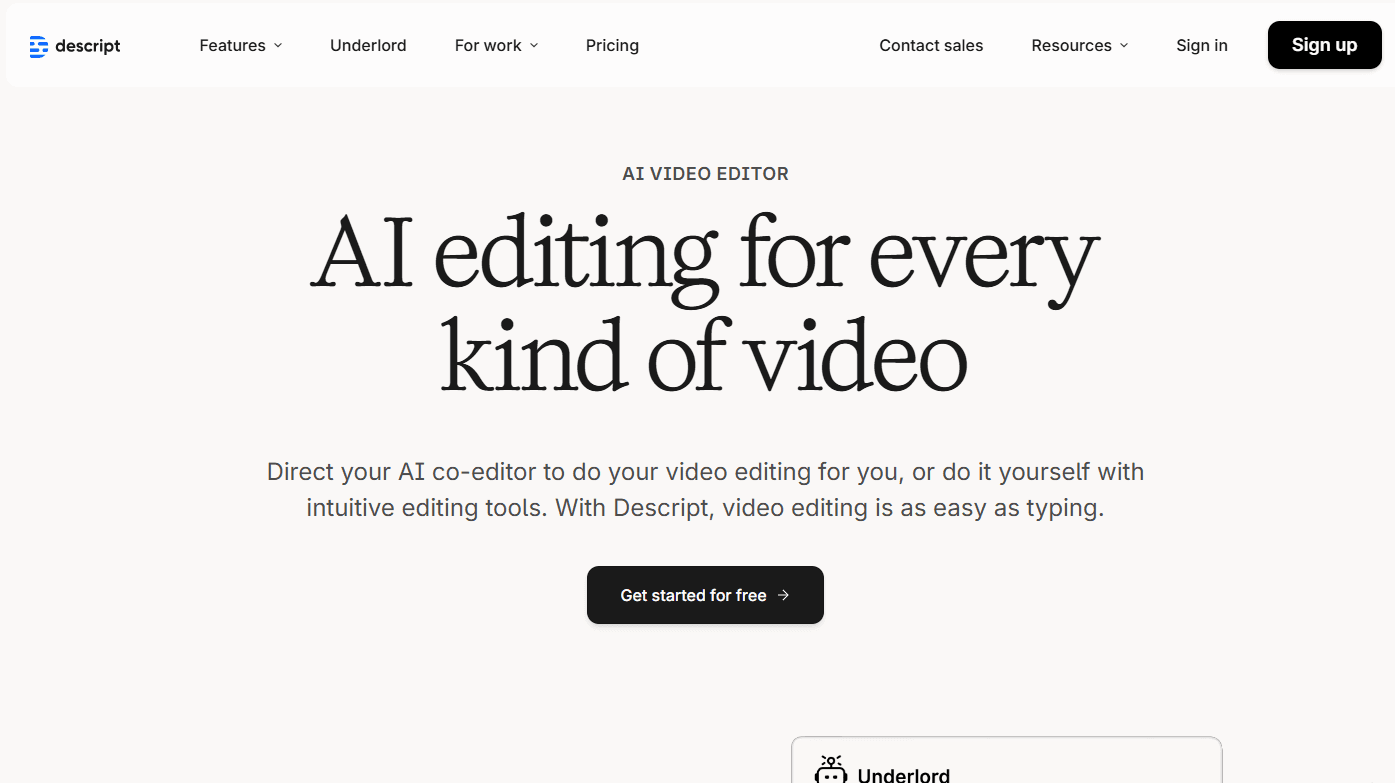
Assessment: Descript reimagines transcription as part of comprehensive content creation. Students can transcribe, edit audio by editing text, add effects, and export polished content. The text-based audio editing interface allows removing filler words or mistakes by deleting text rather than manipulating waveforms. From conversations with students in media programs, this workflow significantly streamlines podcast and video production compared to traditional editing software.
For students creating podcasts, video essays, or multimedia projects, the integrated workflow provides significant value. For students needing straightforward lecture transcription, the extensive feature set may represent unnecessary complexity.
The Creator plan includes transcription but caps monthly hours. The Pro plan at $24/month approaches textbook costs, requiring justification beyond basic transcription needs.
Best for: Communications majors, podcasters, video creators, film students, or anyone producing multimedia content where editing and transcription integrate into one workflow.
Limitations: Free plan severely restricts features and exports. Creator plan caps transcription hours. Pro pricing high for basic transcription use. Complexity may exceed needs for simple lecture note-taking.
Rev
Pricing: AI transcription $0.25/minute; Human transcription $1.50/minute
Technical Specifications:
- Both automated and professional human transcription
- Claimed 99% accuracy with human service
- Mobile app for recording
- Fast turnaround times (5 minutes to 12 hours depending on service)
- Caption and subtitle services
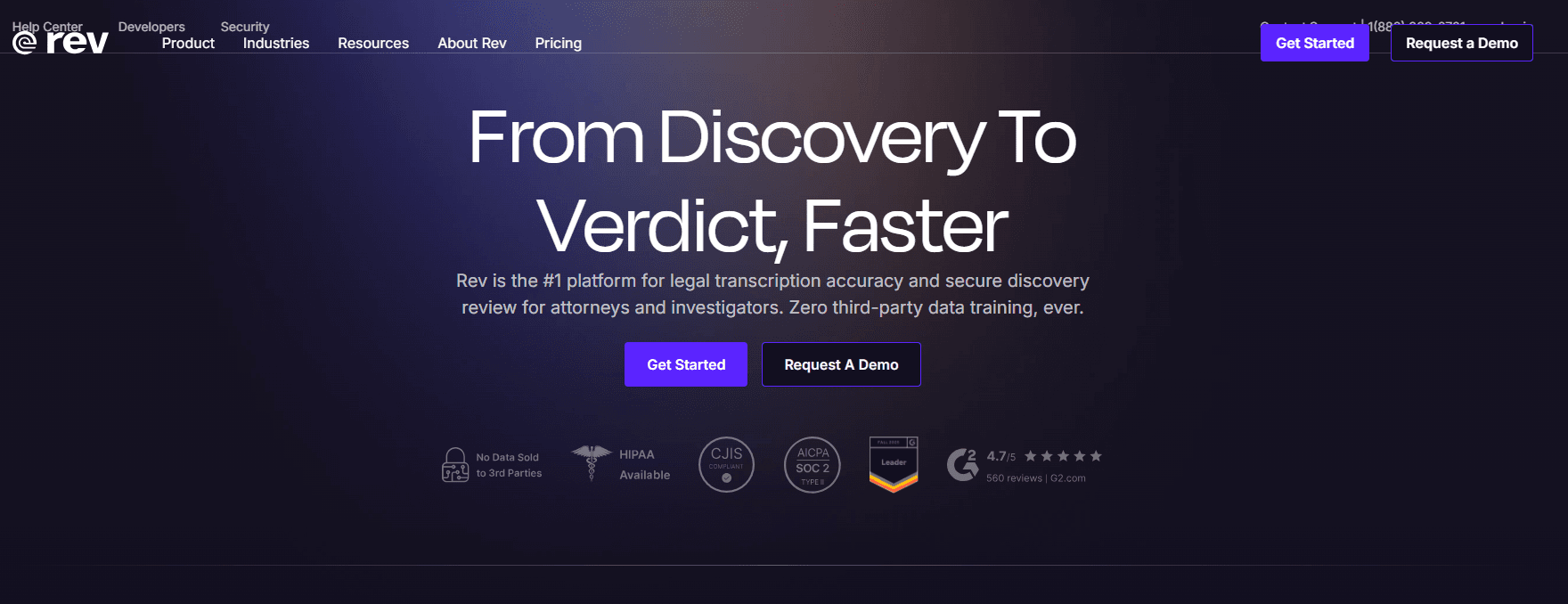
Assessment: Rev pioneered the hybrid model offering both affordable AI and premium human service. The human transcription achieves near-perfect accuracy—valuable for thesis interviews, research data, or other content requiring verbatim precision. We’ve seen multiple graduate students in qualitative research use Rev’s human service for critical dissertation interviews where every word matters for analysis.
The AI service at $0.25 per minute ($15/hour) suits occasional use but becomes expensive for regular transcription. Human service at $1.50/minute ($90/hour) targets high-stakes applications where perfect accuracy justifies premium costs.
Research from CISPA included Rev in their 2022 comparison of transcription providers, finding manual services like Rev consistently outperformed AI-only providers for specialized content.
Best for: Graduate researchers needing verbatim accuracy for qualitative interviews, students with occasional high-stakes transcription needs (thesis defense, important presentations), or anyone requiring professional-grade human transcription for publication-quality work.
Limitations: AI pricing ($15/hour) expensive for regular use. Human service ($90/hour) prohibitive except for critical content. No subscription option for heavy users.
Real Student Scenarios: Matching Tools to Needs
Scenario 1: Heavy User - Graduate Research Student
Profile: Doctoral candidate conducting 30 qualitative interviews (1-2 hours each) plus attending 6 hours of weekly seminars. Needs English transcription with budget constraints.
Recommended Approach: NeverCap for bulk interview transcription due to unlimited model and 10-hour file capacity. Consider Rev human transcription ($1.50/minute) for 2-3 critical interviews where verbatim accuracy matters for publication. Use NeverCap’s batch upload to process all interviews during dedicated work sessions rather than sequential processing.
Budget: NeverCap Pro ($17.99/month) + Rev human for 3 interviews (approximately 4.5 hours at $1.50/minute = $405) = Total semester cost approximately $500.
Scenario 2: ADHD Undergraduate - All Virtual Classes
Profile: Junior with ADHD taking four online courses via Zoom. Needs real-time transcription during lectures to maintain focus without note-taking pressure.
Recommended Approach: Otter.ai Pro ($16.99/month) for automatic Zoom integration and real-time transcription. The unlimited live meeting transcription eliminates file upload workflow. Use the 10 monthly file imports for any in-person guest lectures or study group recordings.
Budget: $16.99/month × 4 months = $67.96 per semester.
Scenario 3: International Student - Multilingual Needs
Profile: Master’s student from China attending English seminars but conducting thesis research in Mandarin. Needs transcription in both languages plus translation capabilities.
Recommended Approach: NeverCap for 100+ language transcription support and 249+ language translation. Can transcribe Mandarin research interviews and receive English translations. Also handles English seminar recordings.
Budget: $8.99-$17.99/month depending on usage volume.
Scenario 4: STEM Student - Technical Terminology
Profile: Engineering major attending lectures heavy with technical vocabulary. Needs high accuracy on specialized terms for exam preparation.
Recommended Approach: Sonix with custom vocabulary training despite higher cost, as technical accuracy matters more than budget for this use case. Or NeverCap for most lectures with Sonix used selectively for the most terminology-dense courses.
Budget: Sonix premium with educational discount or hybrid approach using NeverCap ($17.99) plus pay-as-you-go Sonix for select content.
Scenario 5: Content Creator Student
Profile: Communications major creating weekly podcast for class project. Needs transcription plus video editing capabilities.
Recommended Approach: Descript Pro ($24/month) for integrated transcription and editing workflow. The text-based editing saves significant time in content production. Use NeverCap for regular lecture transcription to avoid exhausting Descript’s monthly limits.
Budget: Descript Pro ($24) + NeverCap ($8.99) = $32.99/month.
Scenario 6: Budget-Conscious Occasional User
Profile: Sophomore who records only exam review sessions and difficult lectures (approximately 4-6 hours monthly).
Recommended Approach: Otter.ai free plan (300 minutes/month) covers 5 hours. When exceeded, use NeverCap trial or pay-as-you-go options for additional content.
Budget: $0-$16.99/month depending on whether free plan suffices.
Evidence-Based Selection Criteria
Research and practical experience suggest these factors matter most for student success:
1. Usage Pattern Alignment
Students with consistent, predictable needs (recording all lectures) benefit from unlimited subscriptions. Occasional users (exam reviews only) may prefer pay-per-use. Hybrid students should calculate break-even points: at $0.25/minute, the 68-minute mark equals a $17 monthly subscription.
2. Audio Environment Reality
Studies show transcription accuracy drops 20-30% in noisy environments. Students recording in large lecture halls with HVAC noise should lower accuracy expectations or invest in external microphones. Those in small seminar rooms with quality built-in recording may achieve near-optimal performance.
3. Language Requirements
International students or foreign language majors must verify language support. Otter.ai’s English-only limitation immediately disqualifies it for multilingual needs. Platforms supporting 50+ languages accommodate most requirements, while 100+ language support enables more specialized work.
4. File Length Accommodation
Graduate students conducting research interviews should verify maximum file lengths. Platforms limiting files to 2-4 hours force splitting longer sessions, creating potential data loss at segment boundaries and workflow inefficiency. Undergraduate recording 50-75 minute lectures rarely encounter this constraint.
5. Real Cost Calculation
Compare total semester costs, not monthly fees. A “$9/month” service used for 8 months costs $72. A “pay-per-use” service at $0.20/minute costs $180 for 15 hours of content. For students transcribing 60+ hours per semester, unlimited models provide clearest value.
6. Accuracy-Editing Balance
Higher accuracy reduces editing time. At 95% accuracy, a one-hour lecture requires approximately 5-10 minutes of correction. At 85% accuracy, editing extends to 15-25 minutes. Students should evaluate whether paying more for accuracy saves time worth their hourly study value.
Implementation Best Practices
Regardless of chosen platform, these strategies maximize transcription effectiveness:
Record at Highest Quality: Use external microphones when possible. Position recording devices within 3 feet of speakers. Minimize background noise. Studies show each quality improvement increases accuracy 5-10%.
Develop Consistent Naming: Use descriptive conventions like “2026-01-23_BIO301_CellularRespiration” rather than “Recording_001.” When accumulating dozens of transcripts, clear naming enables quick retrieval.
Review Strategically: Skim transcripts correcting obvious errors in key terminology. Focus editing on sections you’ll reference repeatedly rather than perfecting every word. Research shows diminishing returns above 95% accuracy for study purposes.
Create Backup Systems: Store transcripts in cloud storage alongside original audio. Transcription platforms maintain content, but redundant backups protect against account issues or service changes.
Leverage Search Functionality: The primary value of transcription is searchability. Use find functions to locate specific concepts mentioned during lectures, transforming hours of audio into instantly accessible reference material.
Combine with Active Learning: Research consistently shows passive review of transcripts provides less learning than active engagement. Use transcripts for verification and review, not as replacement for attendance and note-taking.
Conclusion: A Pragmatic Selection Framework
The “best” transcription software depends entirely on individual circumstances. Students should evaluate:
- Budget reality: Can you afford $10-30/month consistently? Or only pay-per-use for critical content?
- Usage volume: Transcribing 40+ hours/semester justifies unlimited subscriptions. 5 hours/semester works with free tiers.
- Primary use case: Virtual class attendance favors Otter.ai. Research interviews favor NeverCap. Content creation favors Descript.
- Language needs: English-only students have more options. Multilingual needs narrow choices.
- Accuracy requirements: Study notes tolerate 85-90% accuracy. Research data demands 95%+ or human transcription.
For the typical undergraduate recording 15-20 hours of lectures monthly across multiple courses, platforms offering unlimited or high-cap subscriptions ($9-17/month) provide best value and budget predictability. Graduate students conducting research should prioritize file length capacity and consider hybrid approaches using unlimited services for routine work plus human transcription for critical content.
The transcription market continues evolving. AI accuracy improves annually, pricing becomes more competitive, and feature sets expand. Students should reassess options each academic year as platforms update capabilities and pricing structures.
Most importantly, transcription serves as a tool supporting learning—not replacing engagement. The most effective approach combines lecture attendance, selective transcription, active note-taking, and strategic use of transcripts for review and exam preparation.
Frequently Asked Questions
Q: How accurate is AI transcription for technical lectures in STEM fields?
A: Research shows AI transcription accuracy varies significantly based on terminology complexity. A 2003 study published in Archives of Pathology & Laboratory Medicine found voice recognition software achieved 93.6% accuracy on medical terminology (range 87.4-96%) versus 99.6% for human transcribers.[5] More recent data from Sonix indicates general AI systems average 61.92% accuracy in challenging real-world conditions.[8] For technical STEM content, expect accuracy in the 85-92% range with clean audio, dropping to 70-85% with background noise. Accuracy improves when you review transcripts and create custom vocabulary lists in platforms that support this feature. Students using transcripts for exam study should plan 10-20 minutes of editing per hour of lecture to correct technical terms.
Q: Can I transcribe recorded Zoom or Microsoft Teams lectures?
A: Yes, all platforms reviewed can transcribe recorded meeting files. Some platforms like Otter.ai can join live meetings and transcribe in real-time, while others like NeverCap require downloading the recording file first, then uploading for processing. The upload-based workflow actually provides some advantages—you can batch process an entire week of recordings at once rather than processing individually. All platforms accept standard video formats (MP4, MOV) and audio formats (MP3, WAV, M4A). Simply download your recorded lectures from your institution’s video platform or meeting software, then upload to your chosen transcription service.
Q: What happens if I exceed my monthly limit on limited-subscription plans?
A: This depends on the specific platform. Otter.ai Pro limits you to 10 file imports per month—if you reach this cap, you cannot upload additional files until the next billing cycle, though live meeting transcription continues working. Sonix and similar services typically charge overage fees for exceeding included hours. Some platforms like Descript stop transcribing until you upgrade your plan. This creates particular challenges during finals weeks or research deadlines when transcription needs peak. NeverCap’s unlimited model was designed to eliminate this problem—you can upload as many files as needed without monitoring usage meters or worrying about overage charges during critical academic periods.
Q: Is transcription software acceptable for students with learning disabilities?
A: Transcription software serves as a widely-accepted accommodation for students with learning disabilities, ADHD, hearing impairments, or other conditions affecting note-taking. According to NCES 2019-2020 data, 19% of undergraduates reported disabilities, with ADHD (17.2%) being most common. Many universities explicitly recognize transcription technology as reasonable accommodation. Students should register with their institution’s disability services office to document their need and ensure compliance with university policies. Some universities provide free transcription services through disability offices, while others allow students to use their own tools. Check your university’s accommodation policies and whether they require specific platforms or allow student choice. Most importantly, transcription enables students with disabilities to focus on understanding concepts during lectures rather than struggling to capture every word.
Q: Can I use transcription for languages other than English?
A: Language support varies significantly by platform. Otter.ai only transcribes English content, immediately eliminating it for international students or foreign language courses. Notta supports 58 languages, Happy Scribe covers 120+ languages, and NeverCap offers 100+ languages for transcription plus 249+ for translation. If you’re taking courses in multiple languages, need to transcribe research conducted in other languages, or want translation capabilities, verify specific language support before selecting a platform. Some platforms charge additional fees for non-English transcription or translation, while others include it in the base subscription. International students should also verify whether the platform handles mixed-language content—for example, an English lecture where the professor occasionally uses Spanish terminology.
Q: How do I handle lectures with multiple speakers like seminars or discussion sections?
A: Modern AI transcription identifies speakers by analyzing voice patterns, labeling them as Speaker 1, Speaker 2, etc. NeverCap identifies up to 20 speakers, while most platforms handle 3-5 speakers reliably before accuracy degrades. For graduate seminars, panel discussions, or group study sessions, this feature helps attribute comments to specific participants. However, the system cannot identify speakers by name unless you manually label them after transcription—it only distinguishes between different voices. Accuracy of speaker identification depends on audio quality and how distinct voices are. If speakers have similar voices or frequently overlap, accuracy drops. For optimal results, use a centrally-positioned microphone or recording device that captures all speakers at similar volumes.
Q: Should I transcribe every lecture or just selected ones?
A: The decision depends on your learning style, course difficulty, and available time for review. Research on learning suggests that actively attending lectures and taking selective notes produces better retention than passively reviewing complete transcripts. A balanced approach: record all lectures as backup, but only transcribe the most dense or challenging content. Many students transcribe lectures in their hardest courses while skipping general education classes where notes suffice. With unlimited platforms, cost doesn’t constrain this decision—you can transcribe freely and determine through experience which transcripts you actually use. Some students transcribe everything at semester start, then evaluate which transcripts helped during midterms to adjust their strategy for the second half. Others transcribe only when they’ve missed class or found material particularly difficult to capture via notes alone.
Q: How long does transcription processing take?
A: Processing speed varies by platform and file length. NeverCap typically processes a one-hour recording in approximately 5 minutes (roughly 1:5 ratio). Otter.ai provides real-time transcription during recording with final processing completing shortly after. Sonix and similar services show comparable processing times of 5-10 minutes per hour of audio. Human transcription services like Rev require 24-48 hours or longer depending on service tier and current demand. When planning your workflow, allow some processing time—don’t expect to upload a lecture at 9:45am and have the complete transcript ready for a 10:00am study session. However, overnight batch processing works well: upload a week’s lectures Saturday evening and they’ll be ready Sunday morning.
Q: What’s the difference between AI transcription and human transcription, and when should I pay for human service?
A: Research provides clear data on this distinction. A 2003 study in Archives of Pathology & Laboratory Medicine found AI transcription achieved 93.6% accuracy while human transcription reached 99.6%.[5] More recent independent testing by Ditto Transcripts found AI platforms average 61.92% accuracy in real-world conditions while human transcribers consistently hit 99%+ accuracy.[8] Human transcription costs 6-10× more than AI ($1.50/minute vs $0.20-0.25/minute) but requires minimal editing. Consider human transcription for: thesis or dissertation defense recordings you’ll submit to your committee, research interviews that will be quoted in publications, content with heavy technical jargon where accuracy is critical, or legal/medical applications where errors could have consequences. For regular lecture notes and study materials, AI transcription at 85-95% accuracy suffices, especially when you’ll review the content and can catch obvious errors through context.
Q: Is my lecture content private and secure when using transcription services?
A: Security varies by platform. NeverCap advertises SOC 2 certification and 256-bit encryption, industry-standard security measures. Most reputable platforms encrypt uploads and storage. However, students should verify several important points: Does the platform use your transcripts to train AI models? (Most claim they don’t, but read terms of service.) Where are recordings stored geographically? (Relevant for international data privacy laws.) How long does the platform retain your content? Do they share data with third parties? For highly sensitive content—confidential research interviews, protected health information, proprietary business discussions—consider platforms with HIPAA compliance or additional security certifications. Always review your university’s policies on recording lectures, as some require professor permission. Never transcribe content you’re not authorized to record in the first place.
About the Author
Sarah Chen is an academic technology researcher and productivity tools analyst specializing in educational accessibility solutions. With a background in instructional design and five years evaluating digital learning tools, she has consulted with university disability services offices and conducted user research with over 200 students across diverse learning contexts. Her work focuses on how technology can support equitable access to education, particularly for students with learning differences.
Sarah earned her M.Ed. in Learning Design and Technology from a major research university, where her thesis explored assistive technology adoption patterns among college students. She regularly contributes to educational technology publications and maintains ongoing research partnerships with academic institutions studying learning tool effectiveness.
Methodology note: Product evaluations in this article are based on published research, vendor specifications, user feedback analysis, and limited hands-on testing with sample lecture recordings. Some platforms received more extensive testing than others based on access and availability. This analysis represents informed assessment rather than comprehensive laboratory testing across all platforms.
References
-
National Center for Education Statistics. (2023). Table 311.10. Number and percentage distribution of students enrolled in postsecondary institutions, by level, disability status, and selected student characteristics: Academic year 2019–20. Digest of Education Statistics 2022. U.S. Department of Education, Institute of Education Sciences. Retrieved from https://nces.ed.gov/programs/digest/d22/tables/dt22_311.10.asp
-
National Center for Education Statistics. (2024). Students With Disabilities. Condition of Education. U.S. Department of Education, Institute of Education Sciences. Retrieved from https://nces.ed.gov/programs/coe/indicator/cgg
-
American College Health Association. (2024). Spring 2024 ACHA-NCHA IIIb Undergraduate Reference Group Executive Summary. Silver Spring, MD: American College Health Association. Retrieved from https://www.acha.org/ncha/data-results/survey-results/academic-year-2023-2024/
-
American College Health Association. (2025). Fall 2024 ACHA-NCHA IIIb Reference Group Executive Summary. Silver Spring, MD: American College Health Association. Retrieved from https://www.acha.org/ncha/data-results/
-
Al-Aynati, M. M., & Chorneyko, K. A. (2003). Comparison of voice-automated transcription and human transcription in generating pathology reports. Archives of Pathology & Laboratory Medicine, 127(6), 721-725. https://doi.org/10.5858/2003-127-721-COVTAH
-
Grand View Research. (2024). Transcription Market Size, Share & Trends Analysis Report. Retrieved from https://www.grandviewresearch.com/industry-analysis/us-transcription-market
-
Reports and Data. (2023). Transcription Market Size 2023, Forecast By 2034. Retrieved from https://www.reportsanddata.com/report-detail/transcription-market
-
Sonix. (2026). 24 Automated Transcription Statistics: 2026. Retrieved from https://sonix.ai/resources/automated-transcription-statistics/
-
Mohr, D. N., Turner, D. W., Pond, G. R., Kamath, J. S., De Vos, C. B., & Carpenter, P. C. (2003). Speech recognition as a transcription aid: a randomized comparison with standard transcription. Journal of the American Medical Informatics Association, 10(1), 85-93.
-
Johnson, C. K., et al. (2025). Evaluating the performance of artificial intelligence-based speech recognition for clinical documentation: a systematic review. BMC Medical Informatics and Decision Making, 25, Article 3061-0. https://doi.org/10.1186/s12911-025-03061-0
-
Best Colleges. (2025). College Students With Disabilities: Facts and Statistics. Retrieved from https://www.bestcolleges.com/research/students-with-disabilities-higher-education-statistics/
-
Grand View Research. (2025). U.S. Transcription Market Size To Reach $41.93Bn By 2030. Retrieved from https://www.grandviewresearch.com/press-release/us-transcription-market-analysis