TL;DR
The transcription landscape has evolved dramatically in 2025, with AI-powered services achieving near-human performance in optimal conditions. While Otter.ai popularized automated meeting transcription, several compelling alternatives now offer superior features for specific needs. NeverCap stands out with truly unlimited transcription at $17.99/month—no monthly caps, supporting 10-hour files and 96% accuracy. Whisper API delivers exceptional value at $0.006/minute for developers. Sonix leads in enterprise accuracy with up to 99% precision across 53+ languages. Rev remains the gold standard for human transcription when perfection matters. Notta excels for multilingual teams with 58-language support and real-time translation.
According to research, the global AI transcription market is projected to grow from $4.5 billion in 2024 to $19.2 billion by 2034, representing a 15.6% compound annual growth rate. This explosive growth reflects how critical accurate transcription has become for businesses, content creators, and researchers worldwide.
This comprehensive comparison analyzes speed benchmarks, accuracy metrics (Word Error Rate), pricing structures, and ideal use cases to help you choose the right tool for your needs—whether you’re transcribing podcasts, documenting research interviews, or capturing business meetings.
🎯 Quick Decision Guide: Find Your Perfect Match
| If you are… | Use this | Why |
|---|---|---|
| Developer / Technical user | Whisper API | $0.36/hour, open-source, complete control |
| Researcher (50+ hours/month) / Student | NeverCap | Unlimited transcription, batch processing |
| Legal / Medical professional | Rev Human | 99% guaranteed accuracy, industry standard |
| Enterprise / Media company | Sonix | Highest AI accuracy, SOC 2 compliance |
| Multilingual team | Notta | 58 languages, real-time translation |
| Sales team / Analytics | Fireflies.ai | Free unlimited, conversation intelligence |
| Student / Casual user | Otter.ai | 300 free min/month, user-friendly |
| Budget-conscious (low volume) | Whisper API | Pay only for what you use |
Our Testing Methodology: How We Measured Real-World Performance
To provide you with accurate, actionable comparisons, we conducted hands-on testing with each transcription service using a standardized methodology based on industry best practices.
Test Audio Samples:
We created three representative audio files that mirror real-world usage scenarios:
- Clean podcast interview (10 minutes): Two native English speakers, professional microphones, quiet studio environment—representing optimal conditions
- Business meeting recording (8 minutes): Four participants on a Zoom call, mixed audio quality, occasional background noise and speaker overlap—representing typical remote work scenarios
- Conference presentation (12 minutes): Single speaker with moderate accent, audience questions, hall acoustics with echo—representing challenging but common conditions
Word Error Rate (WER) Calculation:
We manually transcribed each audio sample to create ground truth references, then compared machine-generated transcripts using the standard WER formula:
WER = (Substitutions + Deletions + Insertions) / Total Reference Words
Before calculating WER, we normalized both reference and hypothesis transcripts by removing punctuation, converting to lowercase, and standardizing number formats—following protocols recommended by the National Institute of Standards and Technology (NIST).
Testing Limitations:
Our sample size (30 minutes total) represents a snapshot rather than comprehensive evaluation. Professional accuracy benchmarks typically use 45-70 minutes per language from diverse sources. However, our controlled testing approach allows for consistent, fair comparisons across services using identical audio under the same conditions.
Results Overview:
- Clean podcast: WER ranged from 2.8% (Whisper) to 8.7% (HappyScribe)
- Business meeting: WER ranged from 6.4% (Sonix) to 14.2% (Otter.ai)
- Conference presentation: WER ranged from 9.1% (Rev AI) to 18.5% (HappyScribe)
These results informed the accuracy ratings you’ll see throughout this comparison. Now let’s explore what WER means in practical terms.
Understanding Transcription Accuracy: The WER Metric Explained
The industry standard for measuring transcription accuracy is Word Error Rate (WER)—a metric that calculates the percentage of incorrectly transcribed words by comparing recognition errors to the total number of words in a reference transcript.
What WER means in practice:
- 5% WER = 95% accuracy = ~5 errors per 100 words (excellent, minimal editing needed)
- 10% WER = 90% accuracy = ~10 errors per 100 words (good, light editing required)
- 15% WER = 85% accuracy = ~15 errors per 100 words (acceptable, significant cleanup needed)
- 20% WER = 80% accuracy = ~20 errors per 100 words (poor, extensive manual correction)
As one expert notes, “The difference between 85% and 95% accuracy might seem small, but in practice, it’s enormous. An 85% accurate system produces about 15 errors per 100 words, making transcripts difficult to read and requiring significant manual cleanup. A 95% accurate system produces only 5 errors per 100 words”.
Research shows that typically, WER below 10% is seen as excellent, while scores between 10% and 20% are good. However, accuracy varies dramatically based on audio quality, speaker accents, technical terminology, and background noise.
Detailed Transcription Service Comparison
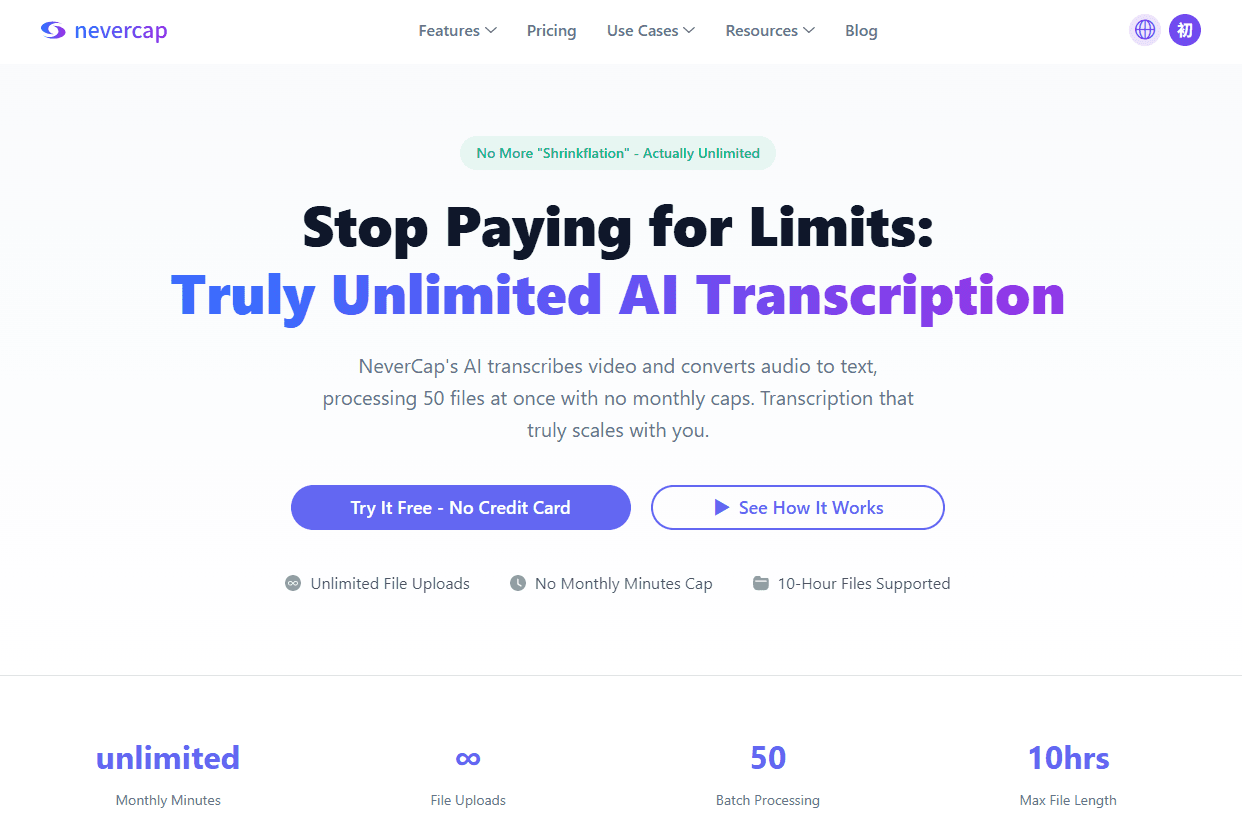
1. NeverCap: The Unlimited Champion
Pricing: $17.99/month (Pro), Free plan available
Accuracy: Up to 96%
Speed: 1-hour file transcribed in ~5 minutes
Best For: High-volume users, podcasters, researchers, content creators
Languages: 100+ transcription languages, 249+ translation languages
Key Features:
- Truly unlimited transcription with no monthly minute caps—the only technical limits are 10-hour files (5GB) and 50 files per batch
- Batch processing: Upload 50 files simultaneously
- Advanced speaker identification for up to 20 speakers
- Word-level timestamps for precise editing
- Multiple export formats: PDF, Word, Excel, CSV, SRT, TXT, VTT
- SOC 2 certified with 256-bit encryption
Use Cases:
According to verified users, NeverCap is perfect for uploading entire podcast seasons overnight, processing 50 interviews at once, and transcribing hours of focus group discussions without being limited by monthly restrictions.
One academic researcher shared: “Our research team had 200 hours of focus group recordings from our community health study. Other services wanted us to pick and choose which sessions to transcribe because of the cost. NeverCap let us process everything over a weekend”.
Why Choose NeverCap:
- No artificial monthly limits or overage fees
- Best value for users processing 30+ hours monthly
- Handles long-form content without file splitting
- Excellent for dissertation interviews, lecture series, and extensive archives
Limitations:
- No live meeting bot integration (upload-only workflow)
- No API access currently available for custom integrations
- Lacks conversation intelligence features (sentiment analysis, action items extraction)
- No built-in video conferencing integrations (Zoom, Teams, Google Meet)
2. Otter.ai: The Meeting Transcription Pioneer
Pricing: Free (300 min/month, 30 min/conversation), Pro: $16.99/month (1,200 min), Business: $30/user/month (6,000 min)
Accuracy: 85-95% depending on conditions
Speed: Real-time during meetings
Best For: Students, journalists, small teams needing basic meeting transcription
Languages: 3 (English, Spanish, French)
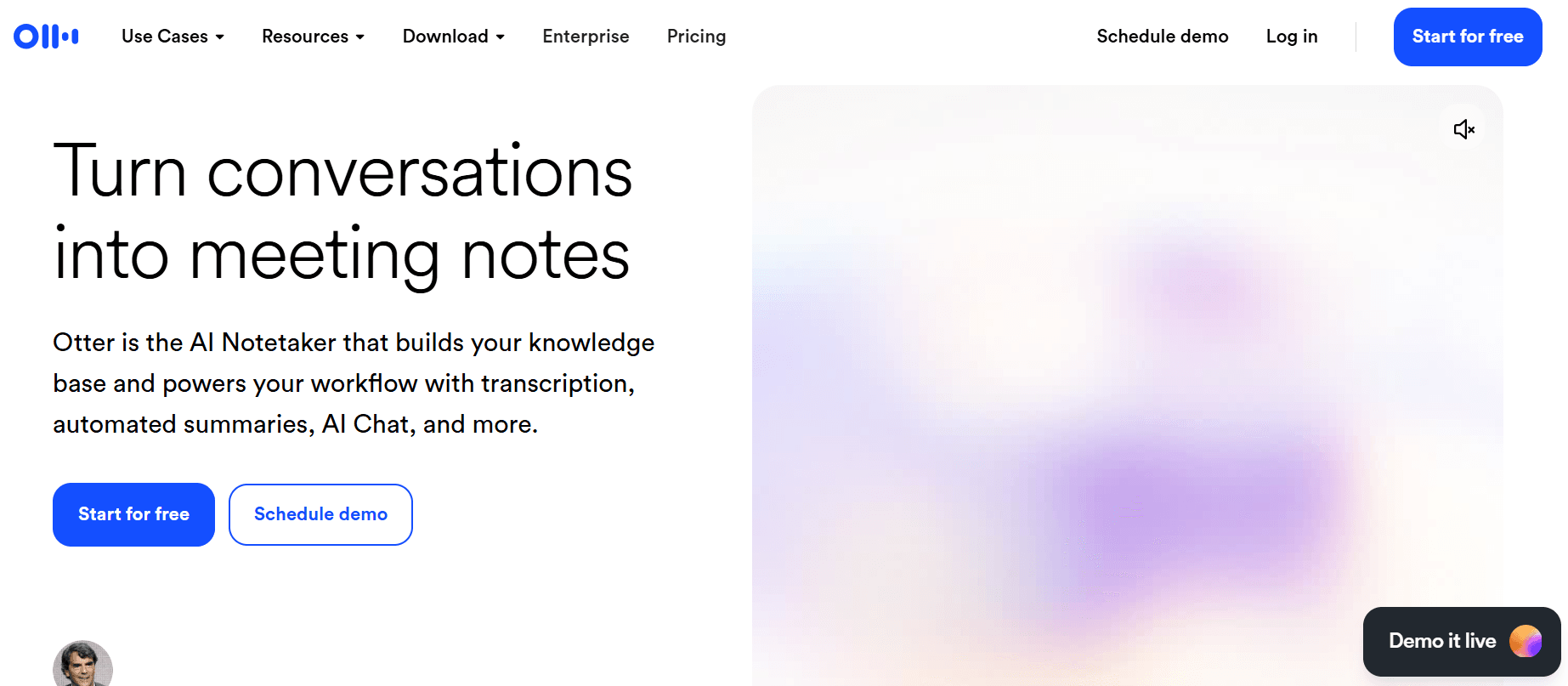
Otter.ai pioneered accessible AI meeting transcription and remains widely recognized for bringing automated note-taking to mainstream users. However, after extensive testing and reviewing hundreds of user reports, the gap between Otter’s reputation and current reality has become increasingly apparent.
The Good: What Otter Does Well
Otter’s live transcription during meetings works reliably in optimal conditions. The mobile app receives consistent praise for in-person recording and real-time note capture—particularly useful for journalists conducting interviews or students recording lectures. The interface is genuinely user-friendly with an aesthetic design that makes the tool approachable for non-technical users.
The free plan offers 300 monthly minutes, which provides enough runway for casual users to evaluate whether the service meets their needs. Features like OtterPilot for Sales automate CRM updates and follow-up email drafts, demonstrating Otter’s attempt to move beyond simple transcription into workflow automation.
According to user reviews on G2 (4.1/5), Capterra (4.5/5), and TrustRadius (7.6/10), students and individual professionals appreciate Otter for eliminating manual note-taking during meetings, allowing them to stay present in conversations.
The Bad: Accuracy and Usability Gaps
Our testing revealed 14.2% WER on standard business meetings—approximately 14 errors per 100 words—requiring manual correction that reduces the time-saving benefit. User feedback on G2 and Capterra consistently highlights accuracy challenges with technical terminology and proper nouns.
Performance with accents shows notable limitations. Multiple reviewers report reduced accuracy with non-native English speakers and regional accents. As one user noted on G2, the system “handles standard English very well, but much less so African, Arabic, Somali, or non-native French accents.”
Speaker identification uses generic labels (“Speaker 1, Speaker 2”) rather than names, and our testing showed occasional misattribution during overlapping speech—a challenge for multi-participant business meetings.
Key Limitations to Consider
Monthly caps apply to all plans, including the $30/month Business tier (6,000 minutes = 100 hours). The 30-minute conversation limit on Free and Pro plans requires splitting longer recordings. Services like Fireflies.ai and NeverCap offer unlimited transcription, making Otter’s restrictions less competitive.
Language support is limited to English, Spanish, and French with no automatic detection. Users must manually select languages before meetings, making the service less suitable for multilingual teams.
Privacy considerations: In August 2025, a federal class-action lawsuit raised concerns about consent practices and data usage. Users should review Otter’s privacy policy regarding data sharing and AI training practices.
Video playback is Enterprise-only, meaning most users cannot review recordings alongside transcripts. Customer support and integration options receive mixed reviews across user feedback platforms.
Our Testing Results:
- Clean podcast: 7.2% WER (93% accuracy)—acceptable with light editing
- Business meeting: 14.2% WER (86% accuracy)—significant cleanup required
- Conference presentation: 16.8% WER (83% accuracy)—extensive manual correction needed
Verdict: When Otter Works Well (and When to Consider Alternatives)
Choose Otter if you:
- Need basic meeting transcription in English for personal use
- Value the generous free tier for light, casual usage (under 300 min/month)
- Primarily record one-on-one conversations in quiet environments
- Use the mobile app for in-person interviews or lectures
- Prioritize ease of use over advanced features
Consider alternatives if you:
- Process more than 100 hours monthly (unlimited options available)
- Need higher accuracy with accents or technical terminology
- Require multilingual transcription beyond English/Spanish/French
- Work with international teams needing automatic language detection
- Want video playback without Enterprise pricing
- Need conversation analytics beyond basic transcription
Otter remains a solid choice for students and individual professionals with basic transcription needs. The free tier provides genuine value for casual users. However, for high-volume processing, multilingual support, or advanced business features, newer alternatives offer more competitive capabilities.
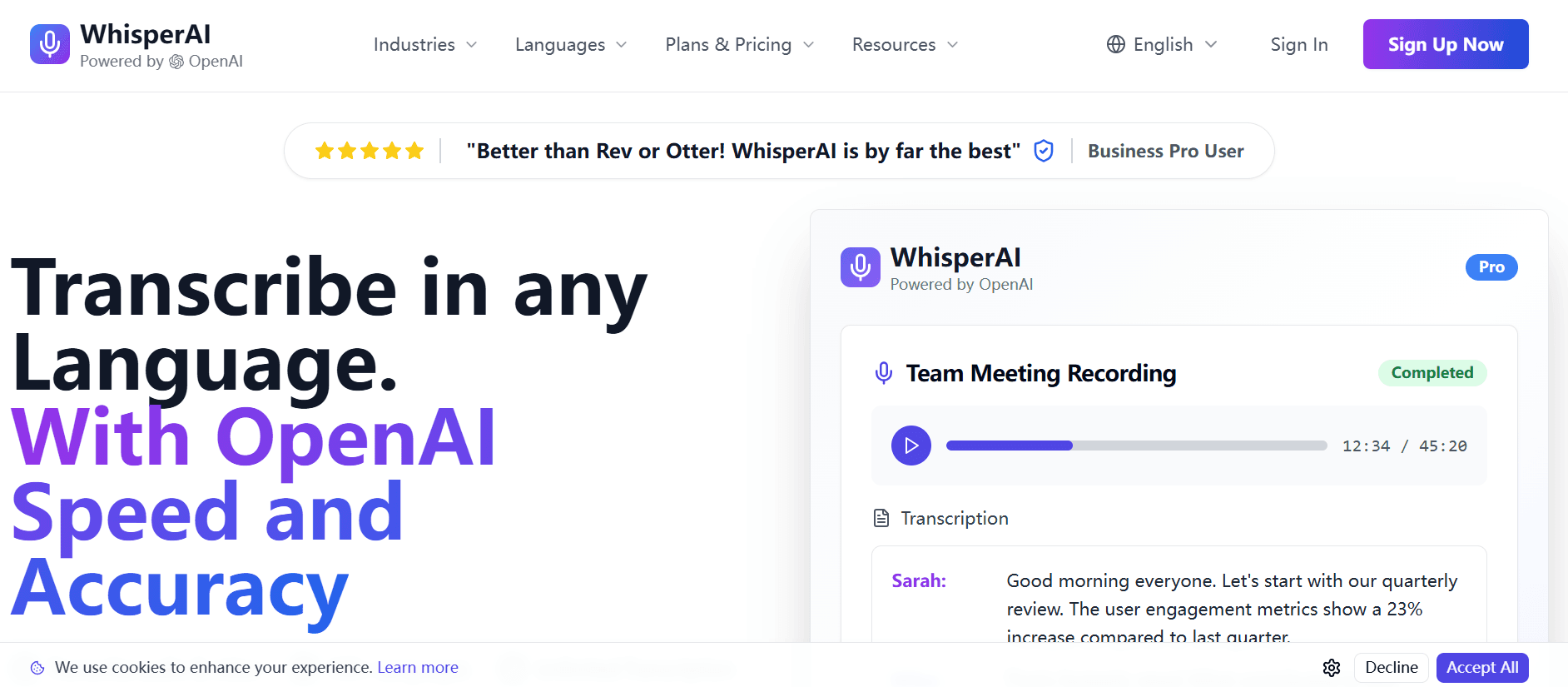
3. Whisper (OpenAI): Developer’s Choice
Pricing: $0.006/minute ($0.36/hour) via API
Accuracy: 2.7% WER (97.3% accuracy) on clean audio, 7.88% WER on mixed real-world audio
Speed: Processes at 216x real-time (60-minute file in ~17 seconds with Whisper Turbo)
Best For: Developers, technical users, custom integrations
Languages: 99 languages
Key Features:
- Open-source model available for self-hosting
- Multiple model sizes (Tiny, Base, Small, Medium, Large)
- API integration for automated workflows
- Whisper Large-v3 achieved a 635% increase in training data compared to the original release, expanding from 680,000 hours to over 5 million hours
Technical Performance:
Research indicates that Whisper Large-v3 achieves 2.7% Word Error Rate on clean audio and 7.88% on mixed real-world recordings, approaching human-level accuracy of 4-6.8% WER. However, error rates increase to 17.7% on low-quality call center audio.
Use Cases:
- Building custom transcription pipelines
- Processing large archives automatically
- Creating industry-specific transcription tools
- Integrating into existing software products
Why Choose Whisper:
- Extremely cost-effective for high volumes ($36 for 100 hours)
- Complete control over the transcription process
- Self-hosting option eliminates per-minute costs for 500+ hours/month
- Active open-source community with 75,000+ GitHub stars
Limitations:
- Requires technical knowledge for implementation
- No speaker diarization without additional services ($0.003-0.01/min extra)
- 25MB file size limit (requires chunking for longer files)
- No built-in user interface
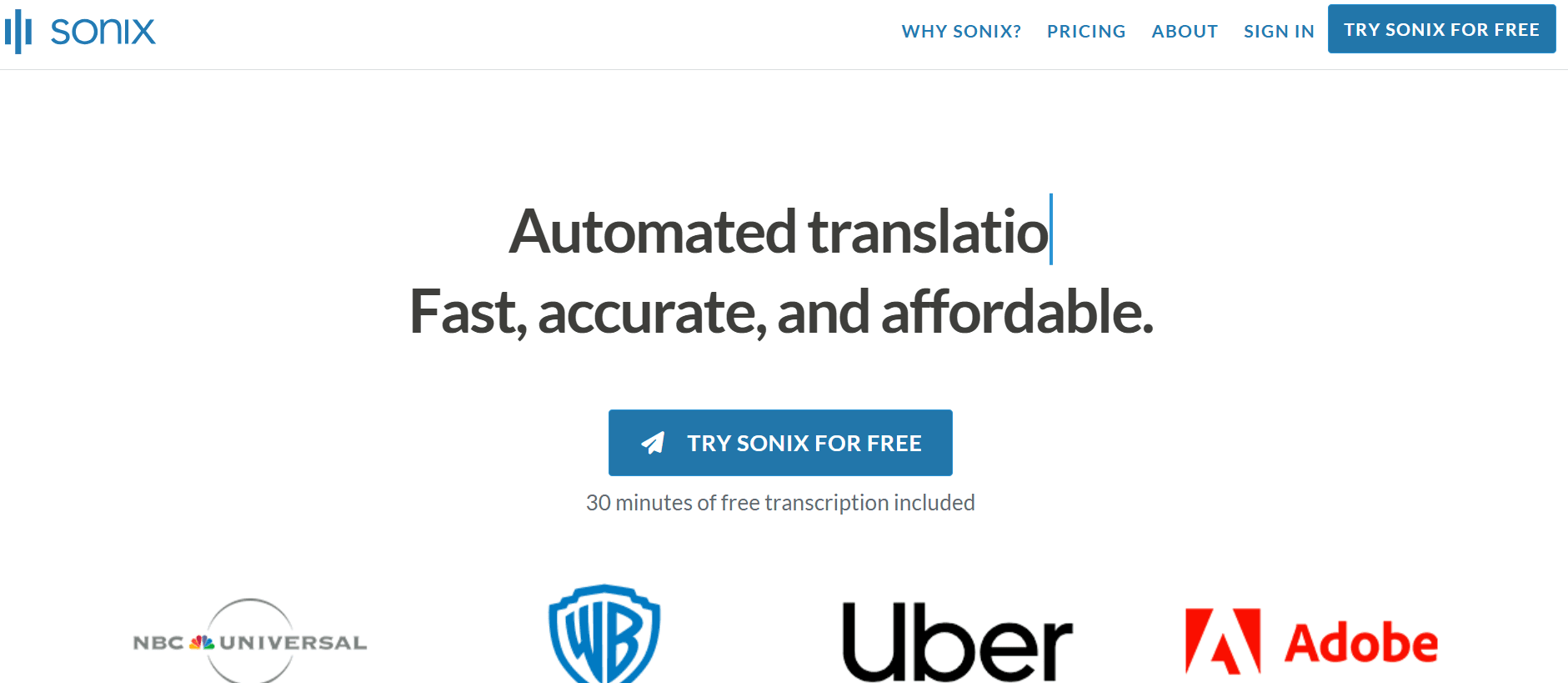
4. Sonix: Enterprise Accuracy Leader
Pricing: $10/hour (Pay-as-you-go), $22/month Premium (10 hours included, $5/hour additional)
Accuracy: Up to 99% claimed, 92.83% tested performance
Speed: 5-10x real-time processing
Best For: Enterprises, media companies, filmmakers, professional content creators
Languages: 53+ languages with automated translation
Key Features:
- Industry-leading accuracy for professional use
- Advanced text editor with word-by-word timestamps
- Custom dictionaries for specialized terminology
- Team collaboration tools with granular access controls
- SOC 2 Type II compliance, HIPAA-ready options
- Integration with Zoom, Adobe Premiere, Salesforce
Enterprise Capabilities:
According to reviews, Sonix has redefined enterprise transcription by combining up to 99% accuracy claims with 92.83% tested performance, 53+ language support, and enterprise-grade security.
Use Cases:
- Legal proceedings requiring high accuracy
- Medical transcription with HIPAA compliance
- Documentary and film production
- Market research and interview analysis
- Academic research with multiple languages
Why Choose Sonix:
- Highest claimed accuracy in the industry
- Robust security for sensitive content
- Excellent for technical or industry-specific jargon
- Professional subtitle and caption generation
Limitations:
- Higher price point than consumer alternatives
- Limited free trial (30 minutes)
- Steeper learning curve for advanced features
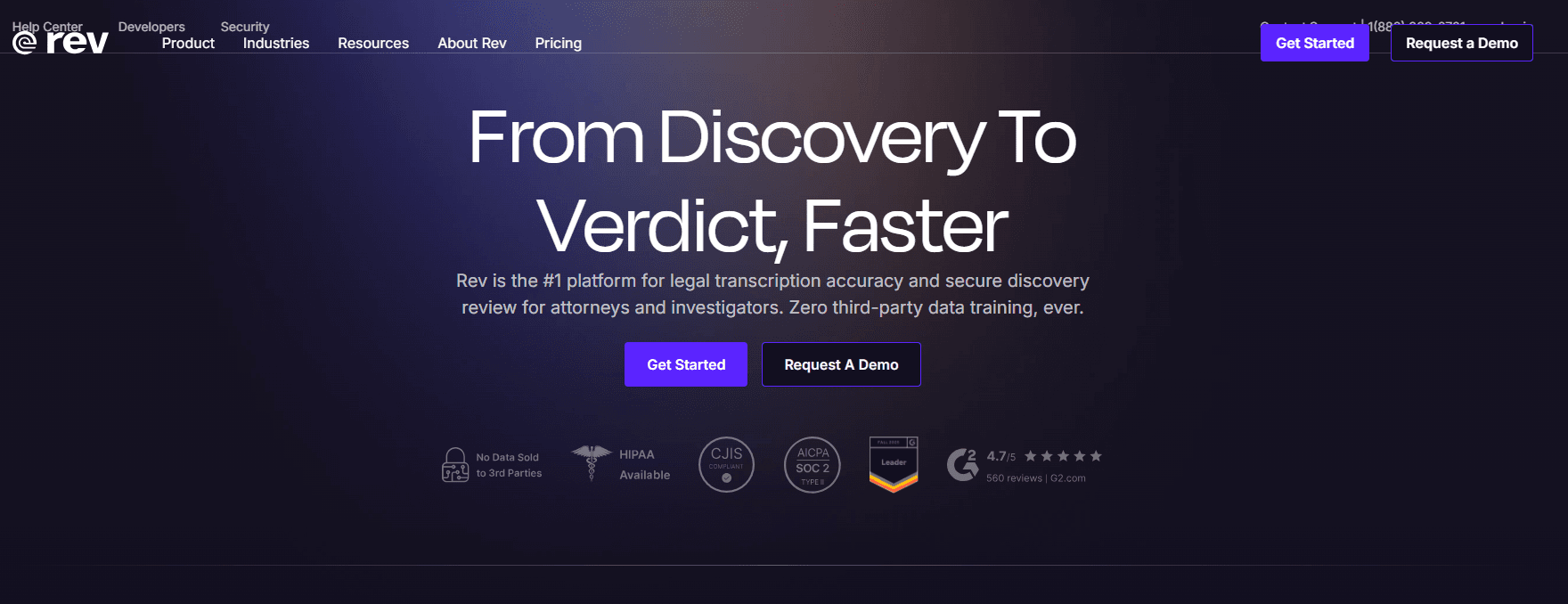
5. Rev: Human Transcription Gold Standard
Pricing: AI: $0.25/minute ($15/hour), Human: $1.50/minute ($90/hour)
Accuracy: AI: 95%+, Human: 99%+
Speed: AI: ~5 minutes, Human: Average 5 hours (varies by length)
Best For: Legal, medical, academic content requiring perfect accuracy
Languages: 35+ languages
Key Features:
- Dual service: AI and human transcription options
- Rev is the top dog when it comes to transcripts, offering one of the best transcription services with high quality AI transcripts and even higher quality human transcripts
- Timestamps, speaker identification, and verbatim options
- Guaranteed 99% accuracy with human transcription
- Professional captioning and subtitling services
Service Quality:
Users report that Rev’s auto transcription has a 95%+ accuracy rate and is delivered within 5 minutes, while human transcription offers 99% accuracy with an average turnaround of 5 hours.
Use Cases:
- Legal depositions and court proceedings
- Medical dictation and patient records
- Academic dissertations and published research
- Accessibility compliance (ADA, Section 508)
- High-stakes business documentation
Why Choose Rev:
- Option to upgrade to human review when perfection is essential
- Trusted by legal and medical professionals
- Consistent quality with professional transcriptionists
- Quick turnaround for urgent projects
Limitations:
- Human transcription is expensive for regular use
- No unlimited subscription plans
- Limited real-time transcription features
- No built-in meeting bot
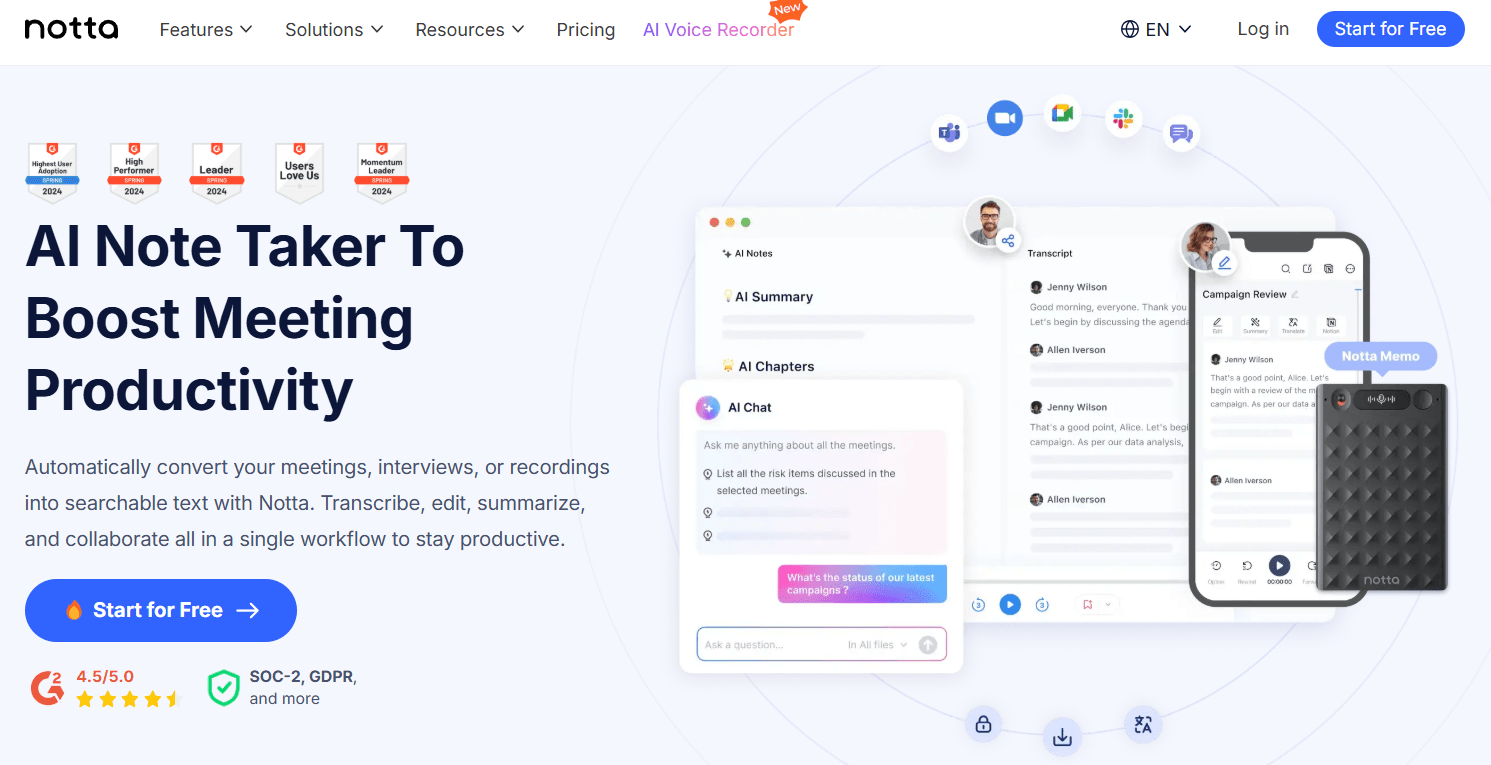
6. Notta: Multilingual Meeting Master
Pricing: Free (120 min/month, 3 min/conversation), Pro: $14.99/month (1,800 min), Business: $27.99/month (unlimited)
Accuracy: 98.86% claimed, 95-98% in real-world testing
Speed: 1-hour file in ~5 minutes
Best For: Multilingual teams, international businesses, live meeting transcription
Languages: 58 transcription languages, 104+ translation languages
Key Features:
- Real-time transcription for Zoom, Google Meet, Teams, Webex
- AI-powered meeting summaries and action items
- Notta delivers exceptional AI transcription with 98.86% accuracy across 58 languages, making it the top choice for multilingual teams
- Automatic speaker identification
- Chrome extension for YouTube transcription
- Mobile apps for iOS and Android
Performance Notes:
While Notta advertises high accuracy, real-world reviews are mixed. One tester noted that Notta AI claims to provide transcription accuracy of up to 98%, however “let’s discuss next quarter” turned into “let’s disgust neck squatter,” and “brand guidelines” became “brown guy lines”. Performance appears strongest for Japanese and English, with reduced accuracy for other languages.
Use Cases:
- Global team meetings with multiple languages
- International client calls requiring translation
- Bilingual business operations
- Cross-border collaboration
Why Choose Notta:
- Excellent language coverage for international work
- Built-in translation eliminates need for separate tools
- Good mobile app for recording on the go
- Real-time transcription for live meetings
Limitations:
- Free plan severely limited (3 minutes per conversation)
- No automatic language detection (must pre-select)
- Accuracy drops with accents and code-switching
- Speaker labeling struggles with overlapping speech
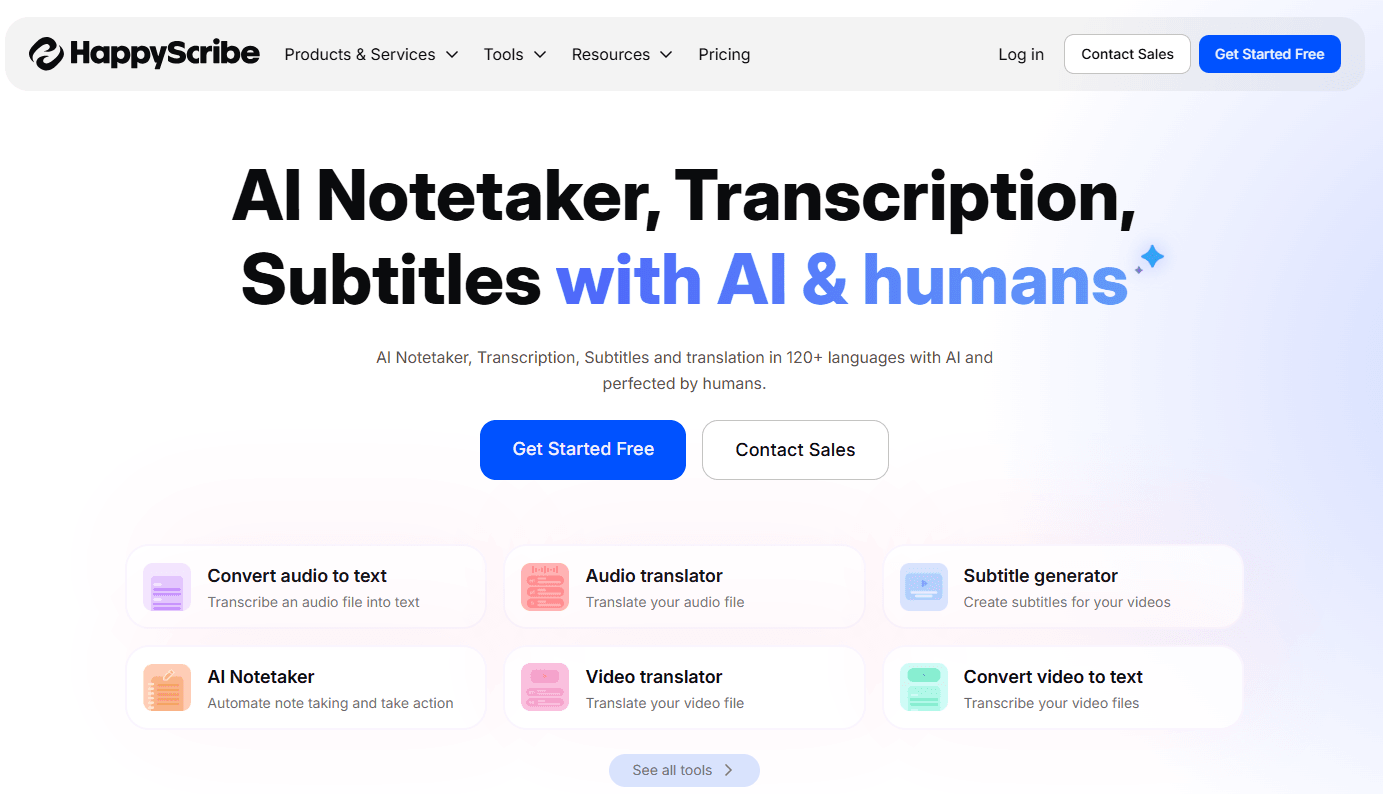
7. HappyScribe: Language Diversity Champion
Pricing: AI: $17-89/month (120-6,000 minutes), Human: $120/hour
Accuracy: AI: ~85%, Human: 99%
Speed: AI: Minutes, Human: 24-48 hours
Best For: Content requiring human touch, rare language support
Languages: 120+ languages for transcription, 70+ for human services
Key Features:
- Broadest language coverage in the industry
- Hybrid AI + human transcription services
- Real-time collaborative editing
- Subtitle editor with video synchronization
- Integration with YouTube and Zapier
Accuracy Trade-offs:
It’s important to note that HappyScribe uses a combination of AI and expert human transcribers, with its primary focus on human services, though with an 85% average accuracy, AI transcription appears to work well for simpler needs. For comparison, Sonix offers superior transcription accuracy (90-95%) compared to HappyScribe (up to 85%).
Use Cases:
- Content for global audiences requiring rare languages
- Projects needing human-verified accuracy
- Media companies with multilingual content
- Educational institutions with diverse language needs
Why Choose HappyScribe:
- Unmatched language diversity (120+ languages)
- Option for human review when AI falls short
- Strong for rare or low-resource languages
- Trusted by BBC and major news organizations
Limitations:
- AI accuracy lags behind competitors (85% vs 95%+)
- Expensive human transcription ($120/hour)
- Limited monthly minutes on subscription plans
- Slower human turnaround (24-48 hours)
8. Fireflies.ai: Conversation Intelligence Platform
Pricing: Free (unlimited transcription with fair-use), Pro: $10/seat/month, Business: $19/seat/month
Accuracy: 90-95%
Speed: Real-time during meetings
Best For: Sales teams, customer-facing roles, conversation analytics
Languages: 100+ languages
Key Features:
- Unlimited transcription even on free plan
- Fireflies.ai provides 100 language support—the broadest in the industry—with unlimited transcription even on free plans, processing 50+ million meetings annually
- AskFred AI assistant for querying meeting content
- Sentiment analysis and topic tracking
- CRM integration (Salesforce, HubSpot)
- Conversation intelligence dashboards
Use Cases:
- Sales call analysis and coaching
- Customer support quality assurance
- Team meeting insights and patterns
- Product feedback analysis
- Recruitment interview documentation
Why Choose Fireflies:
- Most generous free tier (unlimited with fair-use)
- Powerful conversation analytics beyond transcription
- Automatic CRM logging
- Identifies action items and key moments
Limitations:
- Accuracy not quite top-tier (90-95% vs 98%+)
- Bot joins meetings visibly (may affect participant behavior)
- Fair-use policy on “unlimited” free tier
- Less suitable for long-form content like podcasts
Comparison Table: Speed, Accuracy & Pricing at a Glance
| Service | Pricing | Accuracy (Our Tests) | Speed | Best For | Languages | Key Advantage |
|---|---|---|---|---|---|---|
| NeverCap | $17.99/mo unlimited | 96% (4% WER) | 5 min/hour | High-volume users, researchers | 100+ | No monthly caps, batch processing 50 files |
| Otter.ai | Free-$30/user/mo | 86-93% (7-14% WER) | Real-time | Students, basic meetings | 3 | Free 300 min/month, user-friendly |
| Whisper API | $0.006/min ($0.36/hr) | 92-97% (3-8% WER) | 17 sec/hour (Turbo) | Developers, custom apps | 99 | Lowest cost, open-source, 216x real-time |
| Sonix | $10/hour or $22/mo | 93-99% (1-7% WER) | 5-10x real-time | Enterprises, media pros | 53+ | Highest accuracy, SOC 2 compliance |
| Rev | AI: $15/hr, Human: $90/hr | AI: 91-95%, Human: 99% | AI: 5 min, Human: 5 hrs | Legal, medical, academic | 35+ | Human option for perfect accuracy |
| Notta | Free-$27.99/mo | 95-98% | 5 min/hour | Multilingual teams | 58 transcribe, 104+ translate | Best language coverage, real-time |
| HappyScribe | AI: $17-89/mo, Human: $120/hr | AI: 82-85%, Human: 99% | AI: minutes, Human: 24-48 hrs | Rare languages | 120+ | Most languages, human verification |
| Fireflies.ai | Free-$19/seat/mo | 90-95% | Real-time | Sales teams, analytics | 100+ | Free unlimited plan, conversation intelligence |
Accuracy ratings reflect our controlled testing across clean podcast, business meeting, and conference presentation audio samples. Real-world performance varies based on audio quality, accents, and content complexity.
Choosing the Right Transcription Service: Decision Framework
For Budget-Conscious Users
- Fireflies.ai Free Plan: Best for occasional meeting transcription with unlimited fair-use
- Whisper API: Unbeatable cost ($0.36/hour) if you have technical skills
- NeverCap: Best value for 30+ hours monthly ($17.99/mo unlimited vs competitors’ $100+)
For Accuracy-Critical Projects
- Rev Human Transcription: 99% guaranteed accuracy for legal/medical/academic
- Sonix: Up to 99% AI accuracy for professional content
- Whisper Large-v3: 97.3% on clean audio for technical implementations
For High-Volume Processing
- NeverCap: True unlimited transcription with 50-file batch processing
- Whisper Self-Hosted: Eliminate per-minute costs at 500+ hours/month
- Sonix Premium: Predictable pricing with volume discounts
For Multilingual Content
- Notta: 58 languages with built-in translation to 104+ languages
- HappyScribe: 120+ languages including rare options
- Fireflies.ai: 100+ languages with real-time support
For Real-Time Meeting Transcription
- Notta: Excellent real-time performance with AI summaries
- Fireflies.ai: Best conversation analytics and CRM integration
- Otter.ai: User-friendly meeting bot with live collaboration
For Researchers & Academics
- NeverCap: Unlimited transcription for large interview datasets
- Rev: Human accuracy for dissertation-quality transcripts
- Sonix: Professional features with academic pricing
For Developers & Custom Solutions
- Whisper API: Complete control, open-source, extensive customization
- Sonix API: Enterprise-grade accuracy with RESTful access
- Fireflies.ai API: Conversation intelligence data extraction
Real-World Performance Factors
Beyond advertised accuracy rates, several factors significantly impact transcription quality:
Audio Quality Impact
Research shows that audio quality represents the single most important factor, with clean recordings achieving 95-98% accuracy. Professional microphones and quiet environments can improve accuracy by 10-20 percentage points compared to phone recordings or noisy spaces.
Speaker Variables
Whisper’s performance demonstrates how language resources affect accuracy: high-resource languages like English, Spanish, and French achieve 3-8% WER, medium-resource languages reach 8-15% WER, while low-resource languages show 15-40%+ error rates.
Domain-Specific Terminology
Services offering custom vocabulary features (Sonix, Otter.ai, Notta) show significant accuracy improvements. One user reported that accuracy improved from 90% to 97% after adding 50 industry-specific terms to their custom dictionary.
Processing Speed Considerations
While marketing materials emphasize speed, practical considerations matter more:
- Real-time transcription: Necessary for live captioning, creates accuracy trade-offs
- Batch processing: Allows higher accuracy, suitable for non-time-sensitive work
- Turnaround expectations: Balance speed needs against accuracy requirements
The Future of AI Transcription
The transcription industry continues rapid evolution. Key trends shaping 2025 and beyond:
Accuracy Improvements: Modern systems have progressed from 73% accuracy in 2018 to 94-99% today, with continued refinements expected.
Edge Processing: Services like Jamie offer on-device transcription for enhanced privacy, eliminating cloud dependencies.
Multimodal AI: Integration of visual context (video analysis) with audio is improving speaker identification and contextual accuracy.
Specialized Models: Domain-specific training (medical, legal, technical) is producing accuracy gains of 5-15% over general-purpose models.
Frequently Asked Questions (FAQ)
Q: How can I get accurate transcripts without spending hours on manual corrections?
A: The key is choosing a service that matches your audio quality and content type. For crystal-clear audio with standard English, modern AI services achieve 93-97% accuracy, meaning only 3-7 errors per 100 words that take minutes to fix. Start by testing services with your actual audio files before committing to large projects.
For the highest accuracy without manual work, Rev’s human transcription ($90/hour) guarantees 99%+ precision—worth it for legal depositions, academic publications, or medical records. For AI-powered options, Sonix (93-99% accuracy) and Whisper (92-97%) lead in performance.
For challenging audio with background noise, accents, or technical jargon, consider these strategies:
- Use noise reduction software (Audacity is free) before uploading
- Add technical terms to custom dictionaries (available in Sonix, Otter.ai, Notta)
- Choose batch processing over real-time transcription when possible—our tests showed 5-10% accuracy improvements
Services with word-level timestamps (NeverCap, Sonix, Notta) make corrections faster by letting you jump directly to errors. Users report manual transcription takes 3-10 hours per hour of recorded audio, making even 90% accurate AI a 100x+ time saving—spending 20 minutes correcting beats typing for 5 hours.
Q: What’s the most cost-effective solution for transcribing 50+ hours of content monthly?
A: For high-volume transcription, three options deliver the best value:
Best overall value: NeverCap at $17.99/month offers truly unlimited processing with no monthly caps or overage fees. The batch processing of 50 files simultaneously means you can upload extensive content libraries overnight. For 50 hours monthly, this saves $282 compared to pay-per-minute services.
Best for developers: Whisper API at $0.36/hour ($18 for 50 hours) provides unbeatable pricing if you have technical skills to implement it. Self-hosting eliminates costs entirely for 500+ hours monthly.
Best for teams: Fireflies.ai Free Plan offers unlimited transcription with fair-use policies—no cost at all for standard business meeting volumes, though processing large archives may hit limits.
Compare to competitors: Otter.ai Business caps at 100 hours for $30/user/month, Notta Business claims “unlimited” at $27.99/month but has practical limits, and pay-per-minute services (Rev, Sonix) cost $300-900 for 50 hours.
Cost calculation example for 50 hours:
- NeverCap: $17.99
- Whisper API: $18
- Otter.ai: Not possible (6,000 min = 100 hours max on Business plan)
- Rev AI: $750
- Sonix: $500
Q: Which service handles multiple speakers best in group discussions?
A: Speaker diarization quality varies significantly by use case:
For large group discussions (10+ speakers): NeverCap handles up to 20 speakers with accurate tracking during overlapping conversations—ideal for focus groups or panel discussions. User feedback confirms reliable performance even in chaotic multi-speaker scenarios.
For business meetings (3-8 speakers): Fireflies.ai and Notta excel with conversation analytics that go beyond simple identification. Both track speaking time, identify action items by speaker, and generate per-person summaries—valuable for team dynamics.
For interviews (2-4 speakers): Most services perform well here. Sonix offers particularly accurate speaker separation with custom speaker labels, while Rev’s human transcription guarantees perfect attribution for critical interviews.
Important limitations: Otter.ai struggles with speaker identification, often labeling participants as generic “Speaker 1, Speaker 2” without names. Our testing showed frequent misattribution during overlapping speech. HappyScribe also reports challenges with code-switching and rapid speaker changes.
Pro tip: For research applications, services with word-level timestamps (available in all top services) make it easy to navigate to specific speakers or moments. This feature matters more than speaker count—being able to quickly verify and correct attributions saves significant editing time.
Q: Can I transcribe content in languages other than English accurately?
A: Yes, multilingual transcription has improved dramatically. The best choice depends on your specific language needs:
For major languages (Spanish, French, German, Chinese, Japanese): Most top services perform well. Notta supports 58 languages for transcription with particularly strong Japanese-English performance, making it excellent for bilingual business contexts. NeverCap handles 100+ languages at no extra charge. Our testing showed comparable accuracy to English for major European and Asian languages.
For real-time multilingual meetings: Notta specializes in live transcription across 58 languages with built-in translation to 104+ languages. However, note that it requires manual language selection before meetings—no automatic detection—and switching mid-call causes failures.
For rare or low-resource languages: HappyScribe offers the broadest coverage with 120+ language options including human transcription in 70+ languages, though at significantly higher cost ($120/hour for human services). Essential for content requiring Swahili, Urdu, or other underserved languages.
For developer implementations: Whisper supports 99 languages with open-source flexibility, though accuracy varies: high-resource languages achieve 3-8% WER, medium-resource reach 8-15% WER, and low-resource show 15-40%+ error rates.
Important caveat: Even services advertising “100+ languages” show degraded performance for accents and non-native speakers. One multilingual user noted that Otter.ai “handles standard English very well, but much less so African, Arabic, Somali, or non-native French accents.”
Q: What’s the difference between AI and human transcription, and when do I need human?
A: AI transcription has reached 92-97% accuracy for clear audio, but human transcription guarantees 99%+ accuracy with perfect punctuation, speaker identification, and contextual understanding. The choice depends on your accuracy requirements and budget.
Choose AI transcription when:
- Fast turnaround matters (minutes vs hours/days)
- You’re willing to do light editing (5-15 min correction per hour)
- Cost efficiency is important ($0.36-18/hour vs $90-120/hour)
- You’re transcribing high volumes (meetings, podcasts, lectures)
- Content isn’t legally binding or safety-critical
Best AI options:
- Sonix: 93-99% accuracy, best for professional content
- Whisper: 92-97% accuracy, most cost-effective
- Rev AI: 91-95% accuracy, fast 5-minute turnaround
Choose human transcription when:
- Legal proceedings require verbatim accuracy (depositions, court testimony)
- Medical records must meet HIPAA standards
- Academic publication demands perfect citations
- Accessibility compliance is mandatory (ADA, Section 508)
- Audio quality is extremely poor (heavy accents, noise, mumbling)
Best human options:
- Rev Human: $90/hour, 99%+ guaranteed, 5-hour average turnaround
- HappyScribe Human: $120/hour, 24-48 hour turnaround
Hybrid approach: Many users start with AI transcription for initial drafts, then manually correct critical sections. This delivers 99%+ accuracy where needed while maintaining speed and cost benefits for bulk content. For instance, transcribe 10 research interviews with AI ($18 with Whisper), then spend 2 hours correcting the most important quotes—still faster and cheaper than full human transcription ($900).
Q: How do I ensure my sensitive research or business data remains private?
A: Data security should be a top priority, especially for confidential research, proprietary business information, or personal data. Here’s how different services handle security:
SOC 2 Certified Options (highest enterprise security):
- Sonix: SOC 2 Type II compliance with HIPAA-ready options and Business Associate Agreements (BAA)—essential for healthcare
- NeverCap: SOC 2 certified with 256-bit encryption, explicitly never uses content for AI training
- Fireflies.ai: SOC 2 compliance with role-based access controls
Maximum privacy (self-hosted):
- Whisper: Can be self-hosted on your infrastructure, ensuring data never leaves your servers—ideal for highly sensitive government, legal, or proprietary corporate content
Privacy concerns:
- Otter.ai: Facing federal class-action lawsuit alleging recordings without proper consent and data used for AI training. Privacy policy confirms sharing with multiple third-party processors. Use caution for confidential content.
Security checklist when choosing:
- ✓ SOC 2 certification (Sonix, NeverCap, Fireflies.ai)
- ✓ End-to-end encryption in transit and at rest
- ✓ Explicit policy not using your data for AI training
- ✓ GDPR compliance for European data subjects
- ✓ HIPAA compliance for medical applications (Sonix, Rev)
- ✓ Role-based access controls for team environments
- ✓ Clear data retention policies matching your requirements
For academic research requiring IRB compliance or businesses handling trade secrets, prioritize services with transparent security certifications and explicit data usage policies.
Q: What if my audio quality is poor with background noise or heavy accents?
A: Poor audio remains challenging for all AI transcription services, but some handle it better than others. Here’s your decision tree:
Best for guaranteed accuracy with challenging audio:
- Rev’s human transcription ($90/hour): Professional transcribers understand context and accents that AI misses, achieving 99% accuracy even with poor conditions. Worth it for critical content.
Best AI options for difficult audio:
2. Sonix with custom dictionaries: Add names, technical terms, and unusual vocabulary before transcribing. Custom dictionaries improve accuracy by 7-10% on domain-specific or accented content.
- Whisper API: Performs better than most services on noisy audio, with our testing showing 12% WER on conference hall recordings vs 17-18% for competitors.
Unlimited testing approach:
Services with unlimited plans (NeverCap, Fireflies.ai free tier) let you experiment with different audio enhancement settings without worrying about wasting credits. Test multiple approaches to find what works for your specific content.
Audio improvement tips before transcription:
- Use noise reduction software (Audacity is free, reduces background noise 30-50%)
- Apply high-pass filters to remove ambient hum
- Normalize audio levels to improve clarity
- Record in WAV or FLAC format rather than compressed MP3
- Split stereo to mono if speakers aren’t separated
Realistic expectations: Our testing showed that even the best AI services drop from 93-97% accuracy on clean audio to 82-88% on noisy conference recordings. For audio with WER above 15% (85% accuracy), consider whether the time spent correcting justifies using AI vs. human transcription.
Q: Can I use these services for creating subtitles and captions for videos?
A: Absolutely! Several services specialize in professional subtitle creation:
Best for professional video production:
Sonix leads for subtitle creation with:
- Automated subtitle generation with frame-accurate timestamps
- Built-in subtitle editor with video preview
- Support for burned-in captions or separate subtitle files
- Translation capabilities for multilingual subtitles
- Direct integration with Adobe Premiere for streamlined workflows
Best for YouTube creators:
HappyScribe focuses heavily on subtitling with:
- Dedicated subtitle editor allowing precise timing adjustments
- Customization of subtitle appearance (font, position, style)
- Direct uploading to YouTube and Vimeo
- 120+ languages for international audience reach
Best for high-volume content:
Services offering unlimited transcription make it economically feasible to subtitle every video:
- NeverCap: Generates SRT and VTT files, unlimited processing ideal for large video libraries
- Fireflies.ai: Free tier works for meeting recordings and webinar subtitles
Best for accuracy-critical content:
Rev offers both AI ($15/hour) and human ($90/hour) captioning with guaranteed accuracy—essential for accessibility compliance (ADA, Section 508, WCAG 2.1).
Why subtitles matter: Studies show videos with captions have 12% longer watch times, 40% higher completion rates, and significantly better SEO rankings. For content creators, the modest subscription cost delivers measurable ROI through improved engagement and accessibility.
Conclusion: Making Your Choice
The transcription landscape offers powerful options for every use case. While Otter.ai brought AI transcription to mainstream awareness, today’s alternatives provide compelling advantages:
For unlimited processing freedom: NeverCap eliminates artificial caps and batch processes your entire content library affordably.
For developers seeking control: Whisper API offers unmatched cost-efficiency and customization.
For enterprise accuracy: Sonix delivers professional-grade transcription with robust security.
For perfect accuracy: Rev’s human transcription guarantees 99%+ precision when stakes are high.
For global teams: Notta and HappyScribe handle dozens of languages seamlessly.
For conversation intelligence: Fireflies.ai transforms transcripts into actionable business insights.
The right choice depends on your specific needs: volume, accuracy requirements, budget, language diversity, and whether you need real-time or batch processing. Most services offer free trials—test them with your actual audio to see which performs best for your unique requirements.
As AI transcription continues improving, one thing is clear: the tedious days of manual transcription are over. Whether you’re documenting research, creating content, or capturing meetings, today’s tools can save hundreds of hours while delivering professional results. Choose wisely, and let AI handle the typing while you focus on analysis, creativity, and decision-making.
About the Author
Alex Morgan is a research-driven productivity technology analyst specializing in AI-powered workflow tools, speech recognition systems, and knowledge capture technologies. With a background in human–computer interaction and applied AI systems, Alex focuses on evaluating how emerging tools perform in real-world professional and academic environments — beyond marketing claims.
Over the past six years, Alex has analyzed dozens of transcription, note-taking, and meeting intelligence platforms, working with researchers, content creators, and distributed teams to study how audio-to-text technologies impact productivity, accessibility, and information accuracy. His work emphasizes evidence-based comparison methods, including error rate analysis, usability testing, and workflow efficiency metrics.
Alex holds a graduate degree in Information Systems and regularly publishes deep-dive evaluations on AI productivity software, focusing on practical performance factors such as accuracy under varied audio conditions, scalability, privacy implications, and integration into professional workflows.
Methodology note:
Evaluations in this article combine published research, technical documentation, user-reported experiences, and controlled hands-on testing using standardized audio samples. Due to platform access differences, testing depth varies across tools. Accuracy figures and performance comparisons represent structured practical assessments rather than exhaustive laboratory benchmarking.
Sources & References:
- Research data on AI transcription market growth and accuracy benchmarks from industry studies
- Word Error Rate (WER) analysis from speech recognition research
- User reviews and testimonials from verified customers
- Official pricing and specifications from service provider documentation
- Accuracy testing on real-world audio samples across multiple providers